Besides coding agents that work inside your repository, there are prompt-to-app builders that generate and host an app from a description. They are fast for prototypes. Their capabilities change quickly, so verify what each tool supports today before you commit.
Core concepts
- Two families of tools: Repo agents (Cursor, Claude Code, Codex) edit code you own. App builders (Rork, Replit, Bolt, Lovable, v0) generate a project in their environment, often with a preview and one-click deploy. — Cursor docs
- Mobile support varies: Some builders target React Native and Expo apps, others focus on web apps that you may wrap or install as a PWA. Check each product's current mobile and export options. — Rork
- Export and ownership: Before investing time, confirm you can export the full source to GitHub and run it with Expo locally. A prototype you cannot take with you is a dead end. — Expo docs
- Prototype then graduate: Use a builder to explore the idea and screens quickly, export the code, then move to a repo agent with rules, tests and review for the real build. — Claude Code docs
- Design tools for the look: Use v0, Figma or an image model for visual direction, then translate to NativeWind components so the app stays consistent. — v0
- Animation and polish tools: Rive for interactive animations and Reanimated for UI motion add the finish that generic generated apps lack. — Rive
Concept videos
YouTube channels and searches for these topics. On a large screen they open in the reading panel next to the roadmap.
- Rork app builder demos — YouTube search: Rork AI app builder
- Replit mobile apps — YouTube search: Replit agent mobile app Expo
- Bolt with Expo — YouTube search: bolt.new Expo mobile app
- Lovable and v0 workflows — YouTube search: Lovable v0 app builder workflow
Explanation
How to evaluate a builder in an hour
Build the same small app (three screens, one list, one form) in each tool. Score: does it run on a real phone, does it export clean code, can you edit it with your repo agent, and how much did it cost.
Where builders shine
Idea validation, demos, internal tools and getting a first UI on screen in minutes. They remove setup friction for non-engineers.
Where they hit limits
Custom native modules, complex offline sync, strict security rules and code quality at scale usually need a real repo and review process.
What Is It?
AI app builders turn a text prompt into a running app inside a hosted environment, often with deploy built in.
Why Should I Care?
They shorten the idea-to-prototype loop, but the code you ship to the stores still needs ownership, testing and review.
Real World Analogy
A builder is a pop-up shop kit: great for testing demand this weekend, but you will want a real lease (your own repo) before the holiday rush.
Visual Mental Model
Idea -> builder prototype -> export to GitHub -> repo agent + rules + tests -> EAS releaseBeginner Explanation
Prototype in one builder, check that it exports, then rebuild or continue the app in Cursor or Claude Code with your spec and rules file.
Smallest Possible Example
Evaluation prompt (same for every tool)
Build an Expo app with 3 screens: a list of habits, a create-habit form with validation, and a stats screen. Use TypeScript and Expo Router. Show it running on a phone and export the code to GitHub.
Common Mistakes
❌ Committing to a builder before checking export.
You may be locked in with code you cannot run elsewhere.
❌ Shipping a prototype's code unreviewed.
It may include insecure defaults and unused dependencies.
❌ Comparing tools on marketing demos.
Run your own small app through each one.
Real Project Example
Many founders validate an idea with a builder prototype, then rebuild the core in a repo with an agent for production.
Build This Mini Project
Build the same three-screen app in two tools, export both to GitHub, run them locally with npx expo start and write a one-page comparison.
Interview Question
When would you use a prompt-to-app builder instead of a repo-based coding agent?
For fast prototypes and idea validation where speed matters more than control; for production apps I would export the code and continue in a repo with tests, review and rules.
Key Takeaways
- Builders for prototypes, repo agents for production.
- Verify export and mobile support first.
- Evaluate on your own small test app.
- Review and test before shipping any generated code.
Stack for this step
| Layer | Pick | Why |
|---|---|---|
| Prototype | Rork / Replit / Bolt / Lovable (verify current mobile support) | Fast first version. |
| UI direction | v0 / Figma / image models | Visual ideas. |
| Production | Cursor / Claude Code / Codex + Expo | Owned, tested code. |
Prompts for Cursor, Claude Code & Codex
Paste these into Cursor, Claude Code, Codex, or any coding agent. Replace the bracketed parts with your app details, and keep the agent in plan mode first so you review the approach before it edits files.
Compare builders
I will paste notes from building the same app in tools A and B. Produce a comparison table: runs on device, export quality, editability with a repo agent, cost, limits. Recommend which to use for prototype and which path to production.Graduate a prototype
I exported this prototype to the repo. Audit it: list dependencies to remove, insecure defaults, missing error handling, missing tests, and structure changes needed to match AGENTS.md. Propose a prioritised cleanup plan, no edits yet.Claude Code skill for this step
Save this as .claude/skills/prototype-to-production/SKILL.md in your project so Claude Code loads it automatically when the task matches. The same text works as a Cursor rule or an AGENTS.md section.
---
name: prototype-to-production
description: Use when taking code from an AI app builder into a maintained repository.
---
1. Audit dependencies, secrets and insecure defaults.
2. Restructure to the project's folder layout and tokens.
3. Add tests for critical paths and CI checks.
4. Replace hard-coded data and keys with backend calls and environment config.
Rules, databases & blogs to use
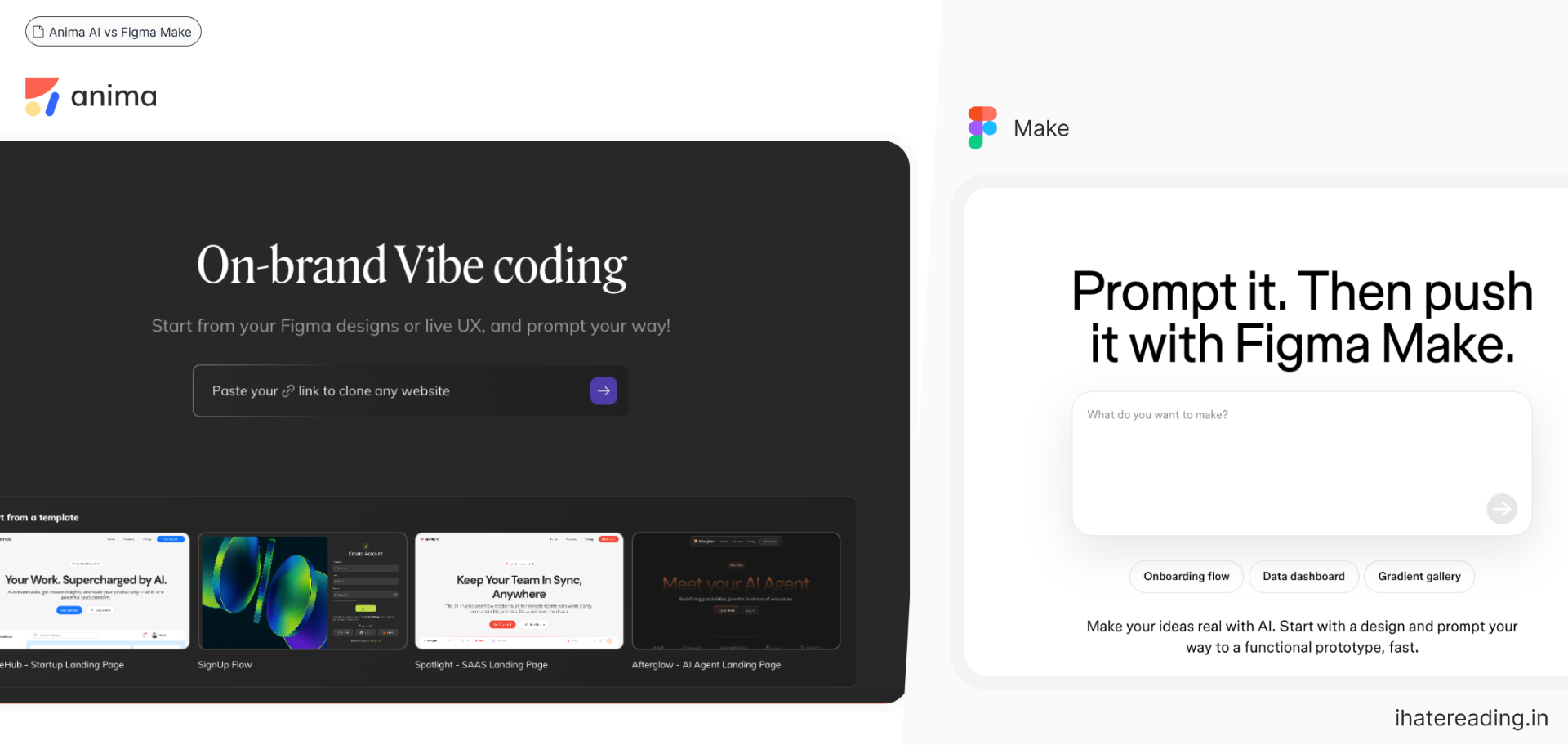
- Anima vs Figma Make: design to code tools compared
- Anima AI playground: design-to-app builder walkthrough
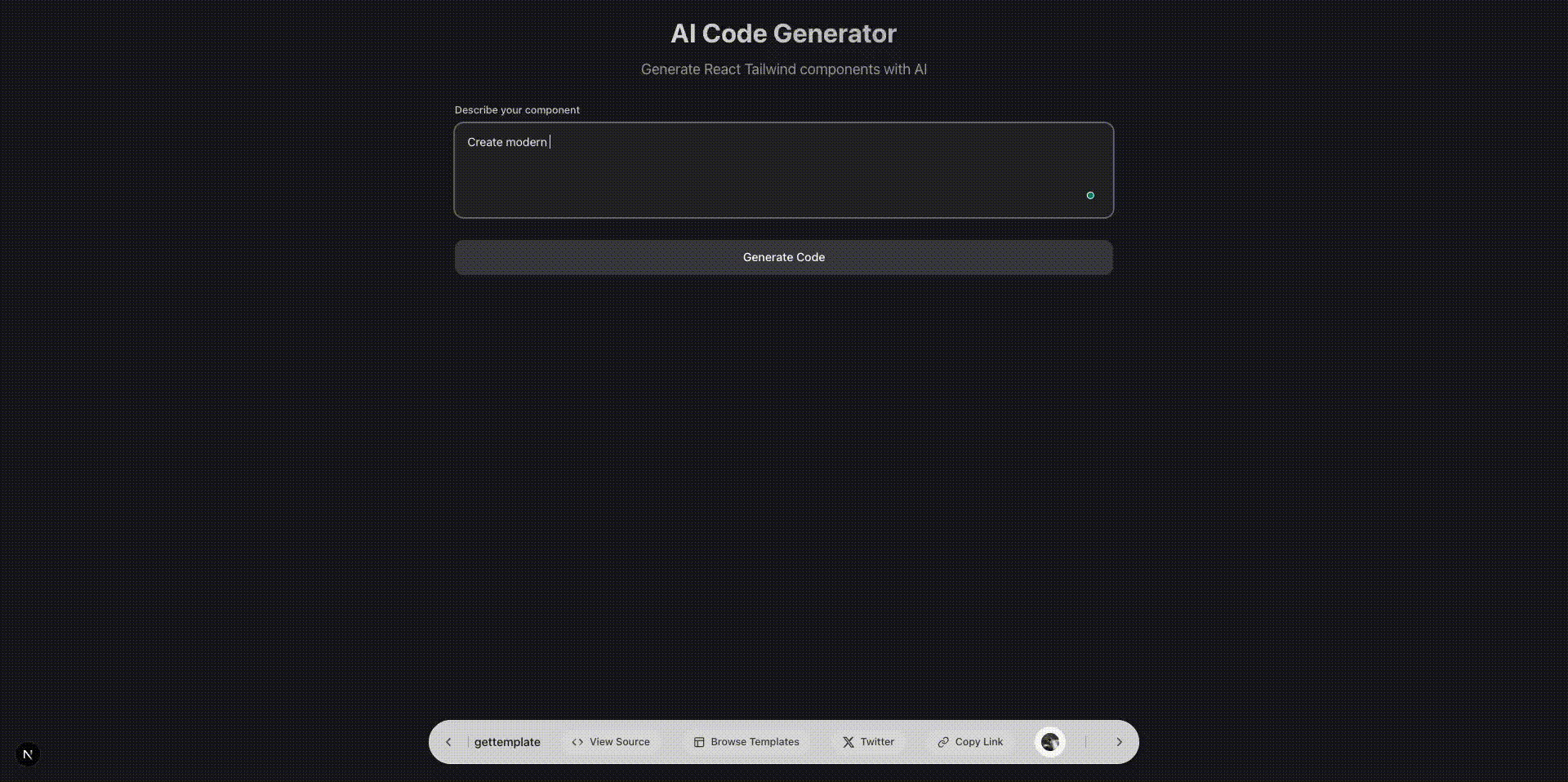
- AI React Tailwind code generator: prompt to UI
- Everyone will be a builder: the builder era
- One-person AI organisation: solo building with agents
- Universo: discover builders and tools
- SaaS directories: list your finished app
Resources
The 60-second story
A pop-up shop kit lets you open this weekend: folding tables, a banner, a card reader. You learn quickly whether people want what you sell. But when the holiday rush comes, you sign a lease, fit shelves and hire help.
AI app builders are pop-up kits. They show you the idea on a phone in an hour. When the idea works you take the code with you, put it in your own repo, add your rules, tests and review, and build the lasting store with a coding agent.
Mental model: pop-up to test, lease to grow.