An AI feature is a normal API feature with extra risks: cost, latency, wrong answers and abuse.
Core concepts
- Define the job: Write what the feature does, what it must not do, and an example input and output. Narrow features beat open chat. — Vercel AI SDK
- System prompt and structure: Keep the system prompt on the server. Ask for structured JSON output and validate it with a schema before showing it. — Agent harnessing
- Streaming responses: Stream partial output for responsiveness and handle dropped connections and cancellation. — Vercel AI SDK
- Evals: Keep 10-20 example inputs with expectations and re-run them after prompt or model changes. — Making AI apps without AI slop
- Guardrails: Limit input size, filter obviously unsafe requests and never let model output trigger sensitive actions without confirmation. — OWASP Mobile
Concept videos
YouTube channels and searches for these topics. On a large screen they open in the reading panel next to the roadmap.
- AI chat in Expo — YouTube search: Expo AI chatbot streaming tutorial
Explanation
Treat output as untrusted
Model output can be wrong or manipulated by user input. Validate it, escape it for display and require confirmation before actions such as deleting data or sending messages.
Cheap models first
Start with a small, cheap model and move up only where evals show a clear quality gap.
What Is It?
An AI feature uses a language model to generate, classify or transform content inside the app.
Why Should I Care?
It can differentiate your app, but unchecked it can be expensive and unreliable.
Real World Analogy
The model is an eager intern: helpful and fast, but you check the work before it goes to customers.
Visual Mental Model
input -> validate -> backend prompt -> model -> schema validate -> UISmallest Possible Example
import { z } from 'zod';

const Summary = z.object({ title: z.string().max(80), bullets: z.array(z.string()).max(5) });

export function parseSummary(json: unknown) {
  return Summary.parse(json);
}
Common Mistakes
❌ Trusting raw model text in the UI.
Validate structure and escape content.
❌ No eval set.
You cannot tell if a prompt change broke quality.
Build This Mini Project
Build a 'summarise' feature with a server prompt, JSON schema validation and 10 saved eval examples.
Prompts for Cursor, Claude Code & Codex
Paste these into Cursor, Claude Code, Codex, or any coding agent. Replace the bracketed parts with your app details, and keep the agent in plan mode first so you review the approach before it edits files.
AI feature spec
Write a one-page spec for the AI feature [name]: user goal, inputs, output schema, failure cases, cost per call estimate, and 10 eval examples. Do not write code.Rules, databases & blogs to use
- Vector search with embeddings: semantic search features
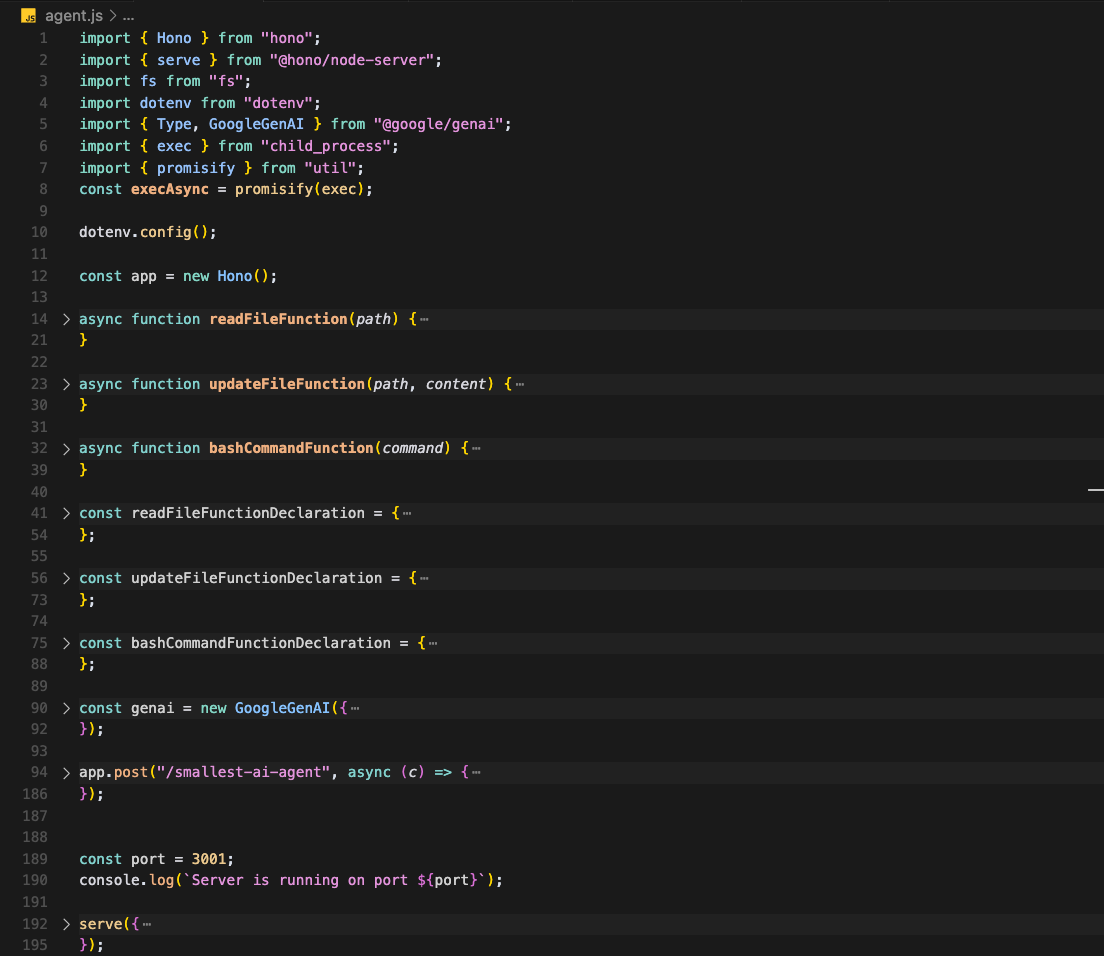
- Smallest AI agent: tool-using agent basics
- AI & ML rules: AI rules