Notifications bring users back, and spam sends them away. Ask at the right moment and send only useful messages.
Core concepts
- Permission and token: Request permission after a user action, then get the push token and save it to the user's profile on your backend. — Expo Notifications
- Sending: Send from your server through Expo's push service or the platforms' services, never from the client. — Expo Notifications
- Handling taps: Attach a route or id in the notification data and deep-link to that screen on tap. — Expo linking
- Real devices and builds: Push needs a physical device and, for reliable behaviour, a development or production build with credentials configured. — Development builds
Concept videos
YouTube channels and searches for these topics. On a large screen they open in the reading panel next to the roadmap.
- Push notifications in Expo — Expo channel
Explanation
Frequency and consent
Offer settings to control notification types, and honour opt-outs immediately.
Quiet failures
Tokens expire. Handle delivery errors by removing invalid tokens.
What Is It?
Push notifications deliver short messages to a phone even when the app is closed.
Why Should I Care?
They drive retention when relevant and drive uninstalls when not.
Real World Analogy
A push is a tap on the shoulder: welcome when it is useful, annoying when it is constant.
Visual Mental Model
permission -> token -> your server stores it -> server sends -> tap -> deep linkSmallest Possible Example
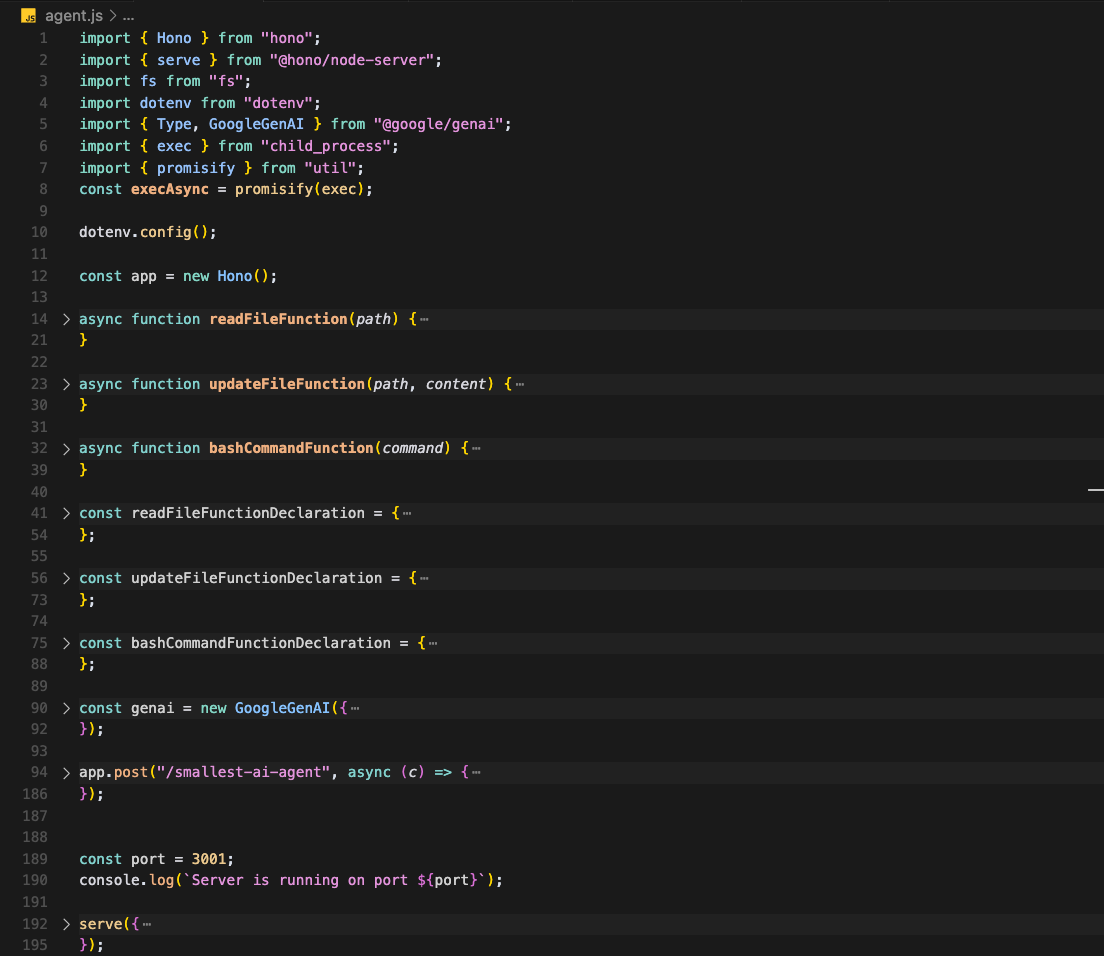
import * as Notifications from 'expo-notifications';

export async function registerForPush() {
  const { status } = await Notifications.requestPermissionsAsync();
  if (status !== 'granted') return null;
  const token = await Notifications.getExpoPushTokenAsync();
  return token.data;
}
Common Mistakes
❌ Requesting permission on first launch.
Without context most users decline.
❌ Sending from the client.
Anyone could abuse your push credentials.
Build This Mini Project
Ask for permission after the user's first completed task, save the token and send yourself a test push that opens a specific screen.
Prompts for Cursor, Claude Code & Codex
Paste these into Cursor, Claude Code, Codex, or any coding agent. Replace the bracketed parts with your app details, and keep the agent in plan mode first so you review the approach before it edits files.
Push flow
Implement permission request, token storage in the profiles table, a server function that sends a push, and tap handling that deep-links using data.screen. Include invalid-token cleanup.Rules, databases & blogs to use
- Mobile rules: mobile conventions