On-device storage is for the phone. A backend database is where shared, durable data lives so users can sign in on any device. This chapter compares the main choices and shows how to connect each safely.
Core concepts
- Backend-as-a-service vs your own API: Supabase and Firebase give you a database, auth and APIs with little server code. A custom API on a managed PostgreSQL such as Neon gives more control and more work. — Expo + Supabase guide
- Supabase (PostgreSQL + auth + storage): A hosted PostgreSQL with auth, storage, realtime and edge functions. Security comes from Row Level Security policies, so the client can talk to the database directly. — Supabase Expo quickstart
- PostgreSQL fundamentals: Tables, primary and foreign keys, indexes and migrations. Learn them once and every Postgres host works the same. — PostgreSQL docs
- Firebase (Firestore + Auth): A document database with realtime listeners and strong auth tooling. React Native Firebase needs a development build; the JS SDK works in Expo Go with limits. — Expo + Firebase guide
- Turso (libSQL): A hosted, SQLite-compatible database often used at the edge. In mobile apps you usually reach it through your backend or edge functions; check current React Native support before using it directly. Not to be confused with Turborepo, a build tool. — Turso docs
- Schema first, with migrations: Design tables from your spec, keep migrations in version control and let the agent generate SQL that you review before running. — Supabase docs
- Never ship secrets in the app: The app holds only public keys. Privileged keys (service role, admin) live on a server and never in
EXPO_PUBLIC_variables. — Expo env vars
Concept videos
YouTube channels and searches for these topics. On a large screen they open in the reading panel next to the roadmap.
- Supabase with Expo — Supabase channel
- Firebase with React Native — Firebase channel
- Expo + Supabase tutorial — YouTube search: Expo Supabase tutorial
- PostgreSQL for beginners — YouTube search: PostgreSQL tutorial for beginners
Explanation
How to choose
Want the fastest start with SQL and good auth? Supabase. Want the lowest-effort realtime documents and mature mobile tooling? Firebase. Want full control and a custom API? PostgreSQL on Neon behind your own backend. Want edge-friendly SQLite? Turso behind a backend.
Relational vs document
If your data has relationships (users, orders, items) SQL is usually easier to reason about and for agents to generate correctly. Document stores shine for flexible, nested, realtime data.
Who can read what
Every database needs an access model. With Supabase that is RLS policies, with Firebase security rules, with your own API it is code. An agent that skips this produces an app anyone can read.
What Is It?
A backend database stores shared data for all users and devices and is accessed through a secure API or client library.
Why Should I Care?
Syncing across devices, accounts and analytics all need a server-side source of truth, and a wrong access model is the most expensive mistake to fix after launch.
Real World Analogy
The on-device database is your personal notebook; the backend database is the bank vault with a teller (access rules) who checks who you are before handing anything over.
Visual Mental Model
App (public key) -> Auth -> Access rules -> Database
Secrets stay on the server
Beginner Explanation
Pick Supabase for your first app: create a project, make one table, turn on Row Level Security, sign in a test user and read their rows from your Expo app.
Smallest Possible Example
import 'react-native-url-polyfill/auto';
import AsyncStorage from '@react-native-async-storage/async-storage';
import { createClient } from '@supabase/supabase-js';

export const supabase = createClient(
  process.env.EXPO_PUBLIC_SUPABASE_URL!,
  process.env.EXPO_PUBLIC_SUPABASE_ANON_KEY!,
  { auth: { storage: AsyncStorage, autoRefreshToken: true, persistSession: true, detectSessionInUrl: false } }
);
Common Mistakes
❌ Disabling security rules 'just for now'.
Test data becomes public and rules are rarely added later; start with rules on.
❌ Using the service-role key in the app.
It bypasses all security. Keep it on the server only.
❌ Letting the agent run migrations on production.
Use a development project and review SQL first.
Real Project Example
Many indie and startup apps use Supabase or Firebase as the whole backend, with edge functions or cloud functions only for secrets and third-party calls.
Build This Mini Project
Build a todo app with Supabase: a todos table with user_id, RLS policies so users see only their rows, and an Expo screen that lists and adds todos.
Interview Question
Why is Row Level Security important when the client talks to the database directly?
Because the client is untrusted: RLS policies enforce per-user access in the database itself, so a modified app cannot read or change other users' data.
Key Takeaways
- Choose by data shape and team skill, not hype.
- Access rules come first.
- Only public keys in the app.
- Keep migrations in version control and review agent SQL.
Stack for this step
| Layer | Pick | Why |
|---|---|---|
| Fast SQL backend | Supabase | Postgres, auth, storage, realtime. |
| Documents + realtime | Firebase | Firestore and mature mobile SDKs. |
| Custom API | PostgreSQL on Neon + Drizzle | Full control behind your backend. |
| Edge SQLite | Turso | libSQL via your backend. |
Prompts for Cursor, Claude Code & Codex
Paste these into Cursor, Claude Code, Codex, or any coding agent. Replace the bracketed parts with your app details, and keep the agent in plan mode first so you review the approach before it edits files.
Choose a backend
Given SPEC.md, compare Supabase, Firebase and PostgreSQL-on-Neon for this app on: data shape, auth, offline sync, realtime needs, cost at 10k users, and agent-friendliness. Recommend one and list the first three setup steps.Schema with security
Design the Postgres schema for SPEC.md. Output SQL with primary keys, foreign keys, indexes, timestamps, and Row Level Security policies so each user can only access their own rows. Explain each policy in one line. Do not run anything.Connect safely
Add the Supabase client to lib/supabase.ts using EXPO_PUBLIC_ URL and anon key only, persist the session with AsyncStorage, and handle AppState to start and stop token auto-refresh. Confirm no privileged keys are used in the app.Claude Code skill for this step
Save this as .claude/skills/database-change/SKILL.md in your project so Claude Code loads it automatically when the task matches. The same text works as a Cursor rule or an AGENTS.md section.
---
name: database-change
description: Use when creating or changing database tables, policies or queries.
---
1. Write the SQL migration as a file and show it before running.
2. Include primary keys, foreign keys, indexes and timestamps.
3. Add or update access policies; explain who can read and write.
4. Run only against a development project, then update TypeScript types.
Rules, databases & blogs to use
- Firebase, Supabase and Clerk authentication: auth options compared
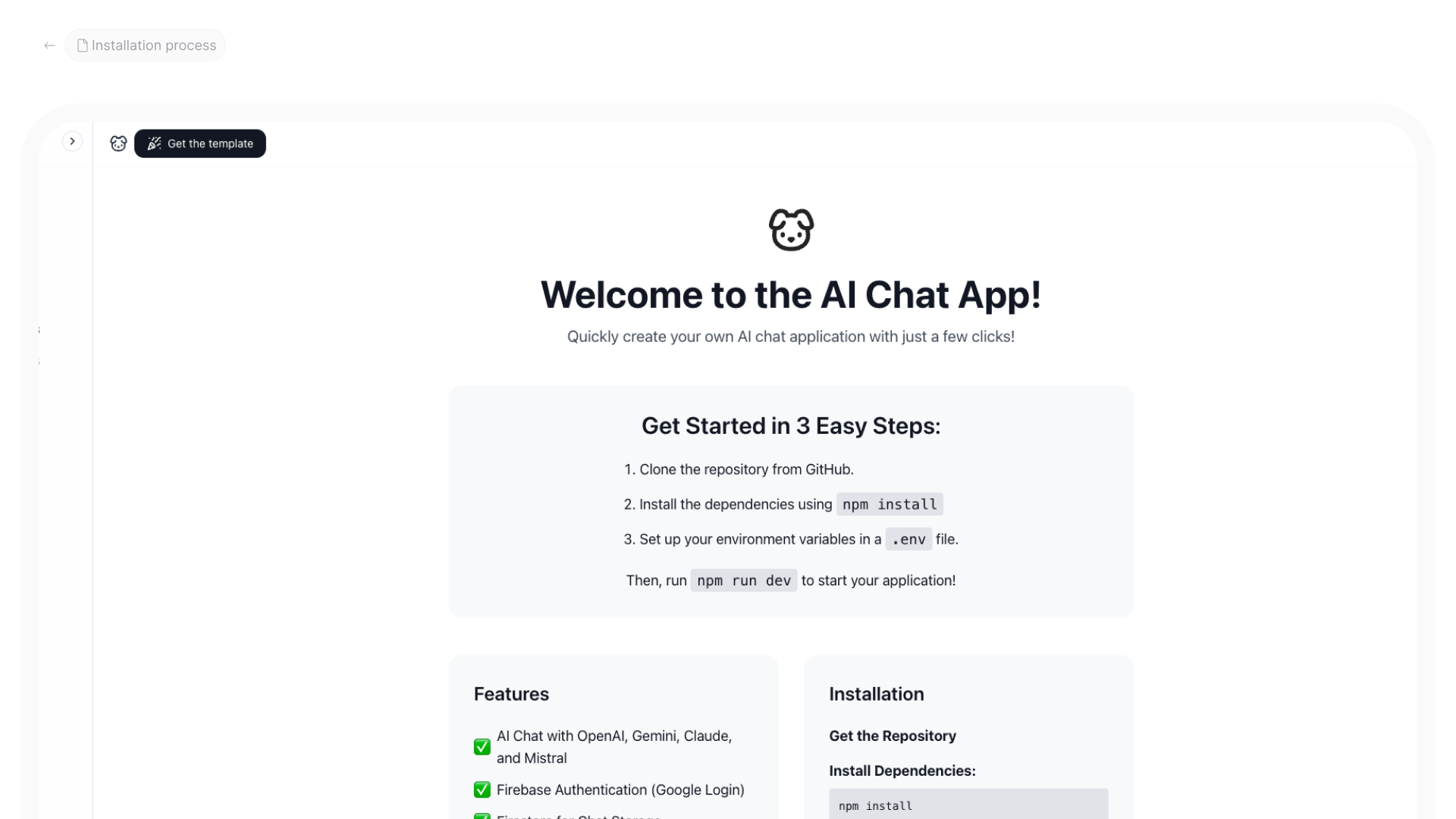
- AI chat app with Firebase: a real Firebase-backed app
- Hosting under $100/month: database and hosting cost lessons
- PostgreSQL rule: SQL conventions for agents
- Database & API rules: all database rules
- Supabase rules: rules mentioning Supabase
- Firebase rules: rules mentioning Firebase
- Tailwind + React + Firebase rule: Firebase app rule
Resources
The 60-second story
You keep a notebook in your pocket for your own quick notes. But your family recipes, shared with cousins in three countries, live in a safe deposit box at the bank. The bank checks your ID before it opens the box, and each cousin can open only their own drawer.
A backend database is that vault. Supabase, Firebase, PostgreSQL and Turso are different banks with different forms to fill out, but the rule is the same: the app carries only a visitor badge (a public key), the bank checks identity and drawer rules, and the master key never leaves the bank.
Mental model: a vault with a teller, and the master key stays inside.