Firebase gives a document database, auth and cloud functions with mature mobile tooling. The first decision is which SDK to use.
Core concepts
- JS SDK vs React Native Firebase: The Firebase JS SDK works in Expo Go but has limits; React Native Firebase wraps the native SDKs and needs a development build. — Expo + Firebase
- Firestore data modelling: Data lives in collections of documents. Model for the queries you will run and avoid deeply nested data you need to query. — Firestore docs
- Security rules: Rules decide who can read and write each path. Start locked and open only what you need. — Firebase docs
- Realtime listeners:
onSnapshotstreams changes; unsubscribe when the screen unmounts to avoid leaks and extra cost. — Firestore docs - Auth: Firebase Auth supports email, phone and social sign-in and issues tokens your rules can check. — Firebase Auth
Concept videos
YouTube channels and searches for these topics. On a large screen they open in the reading panel next to the roadmap.
- Firebase tutorials — Firebase channel
- Firebase with Expo — YouTube search: Firebase Expo React Native tutorial
Explanation
Cost awareness
Firestore bills per read. Chatty listeners and large queries add up; paginate and listen only where realtime is valuable.
Indexes
Compound queries need composite indexes; the console links the exact index when a query fails.
What Is It?
Firebase is Google's app platform with Firestore, Auth, Storage and Cloud Functions.
Why Should I Care?
It offers strong realtime and auth with minimal setup, popular for mobile.
Real World Analogy
Firestore is a set of labelled filing drawers where each document is a folder you can open, listen to, and lock with rules.
Visual Mental Model
App -> Firebase Auth token -> Security rules -> Firestore collectionsSmallest Possible Example
import { getFirestore, collection, query, where, orderBy, onSnapshot } from 'firebase/firestore';

const db = getFirestore();
const q = query(collection(db, 'todos'), where('userId', '==', uid), orderBy('createdAt', 'desc'));
const unsubscribe = onSnapshot(q, (snap) => setTodos(snap.docs.map((d) => ({ id: d.id, ...d.data() }))));
Common Mistakes
❌ Test-mode rules left open.
Your whole database is public; write real rules before launch.
❌ Not unsubscribing from listeners.
Memory leaks and extra billing.
Build This Mini Project
Build a todo list on Firestore with email auth, security rules limiting access to the owner, and a realtime list.
Prompts for Cursor, Claude Code & Codex
Paste these into Cursor, Claude Code, Codex, or any coding agent. Replace the bracketed parts with your app details, and keep the agent in plan mode first so you review the approach before it edits files.
Firestore rules and model
Design a Firestore data model for [app] and write security rules so users can only read and write their own documents. Provide composite indexes needed for the listed queries, and explain each rule line.Rules, databases & blogs to use
- Firebase rules by technology: rules mentioning Firebase
- Tailwind + React + Firebase rule: Firebase UI rule
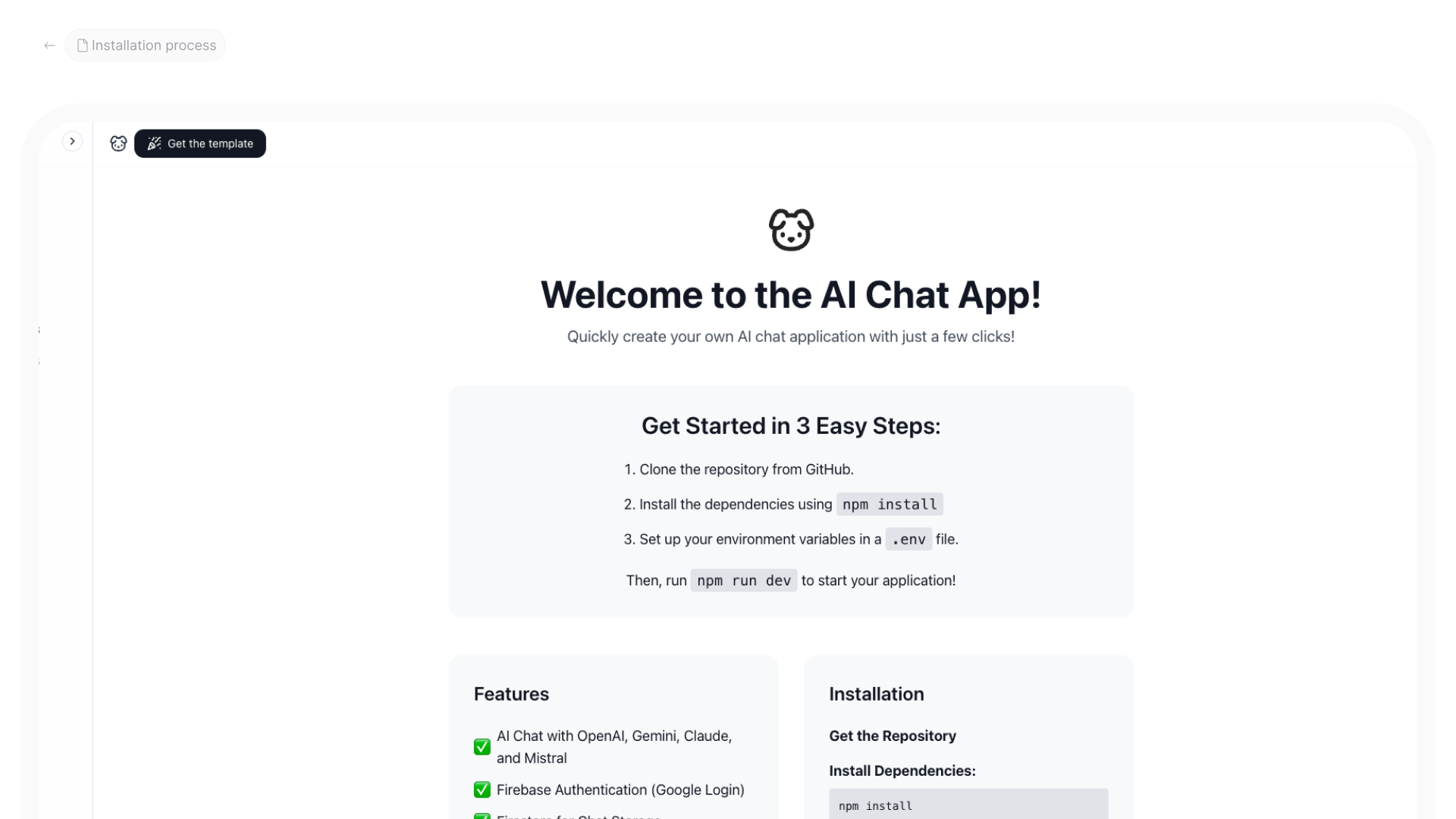
- AI chat app with Firebase: full example