The skill that separates a shipping vibe coder from a stuck one is reading errors and diffs calmly. Agents will break things; you need a method for finding why.
Core concepts
- Read the error first: Red screens and logs usually name the file and cause. Paste the exact error to the agent, not your paraphrase. — React Native debugging
- React Native DevTools: Inspect components, props, state and performance, and read console and network output while the app runs. — React Native debugging
- Clear caches and reinstall: Many 'impossible' bugs are stale caches: restart with
npx expo start -c, reinstallnode_modules, or rebuild the development build after native changes. — Expo docs - Bisect with git: When something broke recently, use
git bisector checkout earlier commits to find the change. Frequent small commits make this fast. — Git bisect - Sentry for production: Crash and error reporting shows what real users hit, with stack traces and device context. — Sentry React Native
- Reviewing AI diffs: Check for invented APIs, deleted code, silent try/catch, unused dependencies, hard-coded values and changes outside the task scope. — Claude Code docs
Concept videos
YouTube channels and searches for these topics. On a large screen they open in the reading panel next to the roadmap.
- Debugging React Native — YouTube search: React Native debugging tools 2026
- Sentry in Expo — YouTube search: Sentry Expo React Native setup
Explanation
A debugging routine
Reproduce, read the error, isolate (smallest example), form one hypothesis, change one thing, retest. Agents skip the isolate step and change five things at once; stop them.
Three mobile-specific culprits
Native module mismatch (needs a rebuild), stale Metro cache, and environment differences between simulator and device account for a large share of mysterious bugs.
Diff review checklist
Does it match the request? Does it add dependencies? Are errors handled? Are secrets absent? Are tests included? Is anything deleted that should not be?
What Is It?
Debugging is finding why code behaves unexpectedly; code review is checking a change before accepting it.
Why Should I Care?
Agents produce confident mistakes. A calm routine turns hours of thrashing into minutes.
Real World Analogy
Debugging is detective work with a rule: change one thing at a time, or you destroy the evidence.
Visual Mental Model
Reproduce -> Read error -> Isolate -> One hypothesis -> One change -> RetestBeginner Explanation
Copy the exact error, restart with a cleared cache, and ask the agent to explain the cause before fixing it.
Smallest Possible Example
npx expo start -c
npx expo-doctor
npx tsc --noEmit
git diff --stat
git bisect start
Common Mistakes
❌ Letting the agent try five fixes at once.
You no longer know which one worked or what it broke.
❌ Skipping native rebuilds after adding a native module.
JavaScript reloads cannot load missing native code.
❌ Merging without reading the diff.
Hidden deletions and scope creep go unnoticed.
Real Project Example
Production teams pair crash reporting with release tracking so each crash maps to a version and commit.
Build This Mini Project
Introduce a deliberate bug, then find it with the debugging routine and a git bisect, and add Sentry to report an intentional test error.
Interview Question
How do you debug an app that crashes only on a physical device?
Reproduce on the device, read the native and JS logs, check native-module and build differences, clear caches or rebuild, and use crash reporting to see the stack trace.
Key Takeaways
- Read the exact error.
- Change one thing at a time.
- Clear caches and rebuild after native changes.
- Review diffs with a checklist; add Sentry before launch.
Stack for this step
| Layer | Pick | Why |
|---|---|---|
| Debugging | React Native DevTools | Inspect components and logs. |
| Crashes | Sentry | Production errors with context. |
| History | git bisect | Find the commit that broke it. |
Prompts for Cursor, Claude Code & Codex
Paste these into Cursor, Claude Code, Codex, or any coding agent. Replace the bracketed parts with your app details, and keep the agent in plan mode first so you review the approach before it edits files.
Diagnose before fixing
Error: [paste exact error and stack]. Explain the most likely root cause in two sentences and list two other possible causes. Propose one minimal change and wait for my go-ahead.Review this diff
Review the staged diff as a skeptical senior mobile engineer. Report: invented or deprecated APIs, deleted code, swallowed errors, new dependencies, hard-coded secrets, scope creep and missing tests. Use a table with file, line, severity.Add Sentry
Add Sentry to the Expo app following the official docs: initialise in the root layout, upload source maps via the Expo plugin, add a test error button, and ensure the DSN is public-safe and no PII is sent.Claude Code skill for this step
Save this as .claude/skills/diff-review/SKILL.md in your project so Claude Code loads it automatically when the task matches. The same text works as a Cursor rule or an AGENTS.md section.
---
name: diff-review
description: Use before accepting or committing any agent-generated change.
---
1. Compare the diff with the original request and flag extras.
2. Check for new dependencies, deleted files and swallowed errors.
3. Search for secrets, tokens and debug logs.
4. Run typecheck, lint and tests and report the results.
Rules, databases & blogs to use
- Making AI applications without AI slop: review mindset
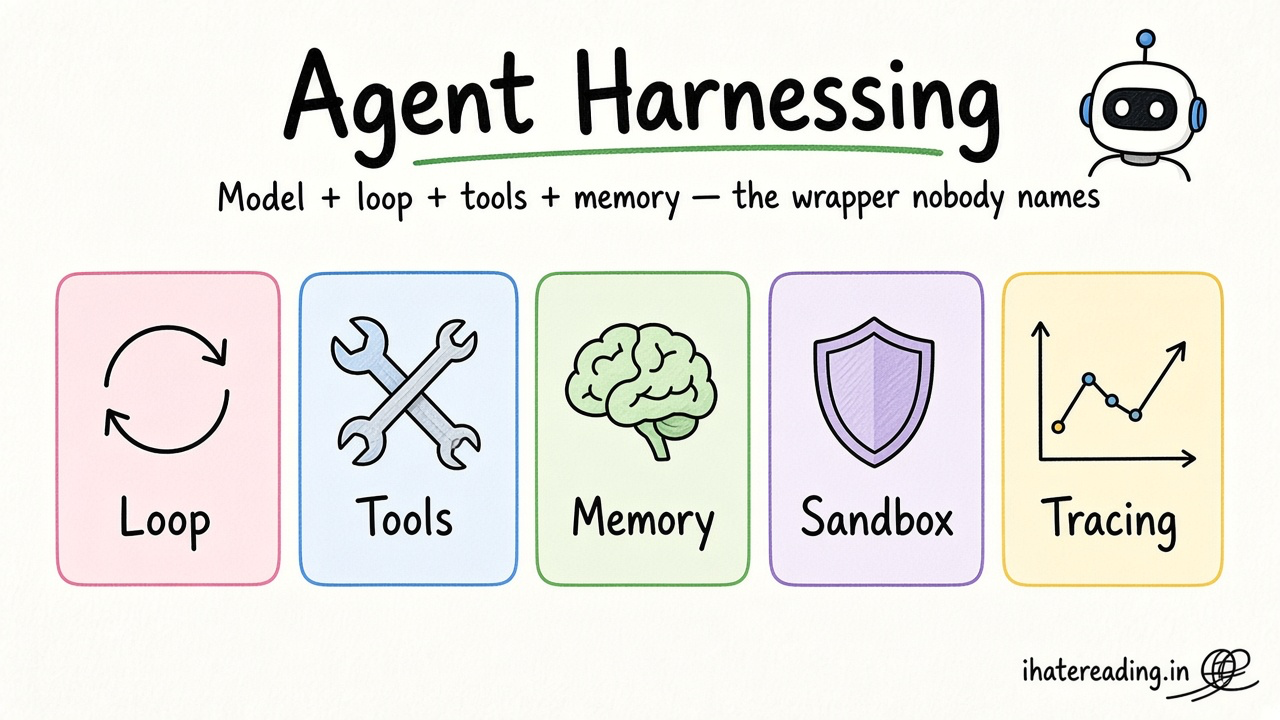
- Agent harnessing: why agents loop and err
- GitHub code quality rule: review rule
- Clean code rule: readability rule
- Anti-sycophancy discipline rule: make agents push back instead of agreeing
Resources
The 60-second story
A mechanic does not replace the engine because the car stalls. They check fuel, then spark, then air, one at a time, writing down what changed. If they swapped five parts at once, the repair would work or fail without telling them why.
Debugging an AI-built app is the same. Read the exact error, change one thing, retest. Clear the cache like checking the fuel gauge, rebuild after native changes like checking the spark, and read the diff like checking the engine bay for tools left behind.
Mental model: one change, one test, and read the diff.