Phones have two kinds of memory that beginners mix up. Storage is what survives after the app closes (files, databases, preferences). Memory (RAM) is what the running app uses and the OS can take back at any time. Good apps use each for the right job.
Core concepts
- Key-value storage: AsyncStorage and MMKV save small values like settings and flags. MMKV is much faster and synchronous but needs a development build. — AsyncStorage
- Secure storage: Tokens and secrets go in the platform keychain/keystore through
expo-secure-store, never in AsyncStorage or plain files. — Expo SecureStore - On-device SQLite:
expo-sqlitegives a real relational database on the phone for structured, queryable offline data such as notes, workouts or inventory. — Expo SQLite - Files and media: Store large files in the app's document or cache directory, keep only paths in your database, and clean the cache when it grows. — Expo FileSystem
- Offline-first design: Read from local storage first, write locally, then sync with the server in the background and resolve conflicts with a clear rule (last write wins, or merge). — Expo local-first
- App memory (RAM): Large images, unbounded lists and leaked listeners increase memory use until the OS kills the app. Virtualise lists, resize images and clean up effects. — React Native performance
- Hermes and profiling: Expo apps use the Hermes engine. Profile with React Native DevTools, Xcode Instruments and Android Studio's profiler to find slow renders and memory growth. — Hermes
Concept videos
YouTube channels and searches for these topics. On a large screen they open in the reading panel next to the roadmap.
- Local storage in React Native — YouTube search: React Native MMKV AsyncStorage SecureStore
- Offline-first apps — YouTube search: Expo SQLite offline first app
- Expo SQLite — Expo channel
Explanation
Choosing the right store
Preferences and flags go in key-value storage. Secrets go in SecureStore. Anything you filter, sort or join goes in SQLite. Big binary data goes on the file system with only its path stored in a database.
Why memory bugs show up late
Memory problems appear after minutes of use or on low-end phones, so simulators on a fast laptop hide them. Test long sessions on a mid-range Android device.
Sync is the hard part
Local-first is easy until the same record is edited on two devices. Decide the conflict rule early and write it in the spec so the agent implements it deliberately.
What Is It?
Storage persists data across launches; memory is the working space of the running app. Offline-first apps treat the phone's database as the primary source and sync in the background.
Why Should I Care?
Fast startup, offline use and privacy all depend on choosing the right store, and crashes from memory pressure are a common reason for bad reviews.
Real World Analogy
Storage is your filing cabinet at home; memory is the desk you work on. The desk is small and gets cleared when someone needs the room, so anything important must be filed.
Visual Mental Model
Secrets      -> SecureStore (keychain)
Preferences  -> MMKV / AsyncStorage
Structured   -> SQLite (+ sync to server)
Big files    -> FileSystem (path in DB)
Running data -> RAM (keep it small)
Beginner Explanation
Put settings in key-value storage, tokens in SecureStore and your main data in SQLite, then ask the agent to make the app work in airplane mode.
Smallest Possible Example
import * as SecureStore from 'expo-secure-store';

export async function saveToken(token: string) {
  await SecureStore.setItemAsync('access_token', token);
}

export async function loadToken() {
  return SecureStore.getItemAsync('access_token');
}
Common Mistakes
❌ Saving access tokens in AsyncStorage.
It is unencrypted storage; use SecureStore.
❌ Loading entire tables into memory.
Page queries and virtualise lists.
❌ Never testing offline.
Many apps break the moment the network drops; test airplane mode.
Real Project Example
Note, task and fitness apps commonly keep data in SQLite on the device and sync later; Expo documents local-first patterns for this.
Build This Mini Project
Build a notes app that stores notes in expo-sqlite, saves a theme flag in key-value storage, and works fully in airplane mode.
Interview Question
Where should an access token be stored on a phone, and why?
In the platform secure store (Keychain/Keystore via SecureStore) because it is encrypted and protected by the OS, unlike plain storage that other tools or backups can read.
Key Takeaways
- Match data type to storage type.
- Secrets only in SecureStore.
- Design for offline and decide conflict rules early.
- Watch RAM: virtualise lists and clean up effects.
Stack for this step
| Layer | Pick | Why |
|---|---|---|
| Preferences | MMKV / AsyncStorage | Small values; MMKV needs a dev build. |
| Secrets | expo-secure-store | Keychain and Keystore. |
| Structured data | expo-sqlite | Relational offline data. |
| Files | expo-file-system | Documents and cache. |
Prompts for Cursor, Claude Code & Codex
Paste these into Cursor, Claude Code, Codex, or any coding agent. Replace the bracketed parts with your app details, and keep the agent in plan mode first so you review the approach before it edits files.
Storage plan
From SPEC.md, list every piece of persisted data and choose: SecureStore, MMKV/AsyncStorage, SQLite or file system. Give a one-line reason each and flag anything sensitive. Output a table.Offline-first notes
Implement a local-first notes feature with expo-sqlite: schema, migrations table, CRUD helpers in lib/db.ts, and a hook that reads from SQLite. Add a syncedAt column for later server sync. Do not add a network layer yet.Memory audit
Audit the app for memory risks: unbounded lists, large images without resizing, listeners or timers without cleanup, and global caches. List each with file and line and a fix.Claude Code skill for this step
Save this as .claude/skills/choose-storage/SKILL.md in your project so Claude Code loads it automatically when the task matches. The same text works as a Cursor rule or an AGENTS.md section.
---
name: choose-storage
description: Use when adding any persisted data to the app, to select the right storage and avoid leaking secrets.
---
1. Classify the data: secret, preference, structured, or file.
2. Use SecureStore for secrets, key-value for preferences, SQLite for structured data, FileSystem for large files.
3. Add a migration or version when changing a persisted shape.
4. Test cold start and airplane mode before finishing.
Rules, databases & blogs to use
- Firebase, Supabase and Clerk authentication: auth tokens and sessions
- Vector search with embeddings: on-device and server memory for AI features
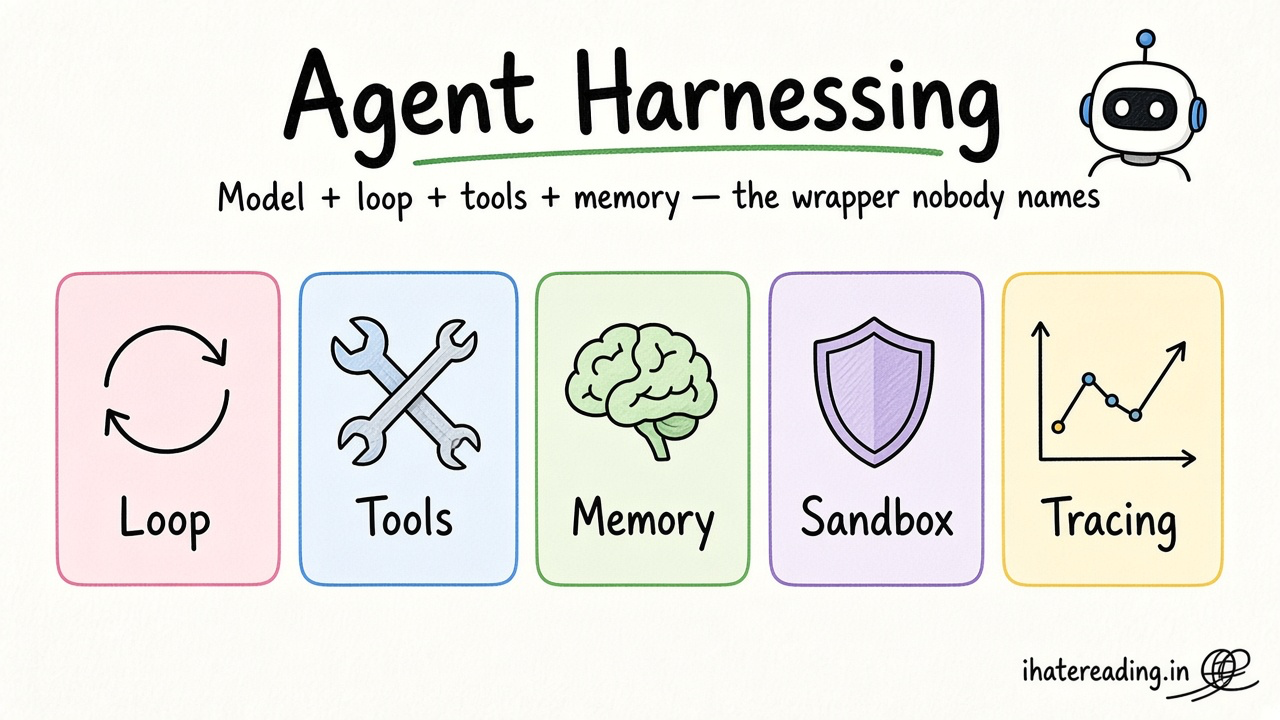
- Agent harnessing: memory and context for AI agents
- Mobile rules: mobile performance rules
- Security rules: storage and secret handling rules
Resources
The 60-second story
At home you keep important papers in a filing cabinet, a few daily things in a drawer, valuables in a safe, and photos in boxes. On your desk you only keep what you are using right now, because the desk is small and someone might clear it.
A phone app is the same. The safe is SecureStore, the drawer is key-value storage, the cabinet is SQLite, the boxes are files, and the desk is RAM. When the OS needs space it clears your desk without asking, so anything you cannot afford to lose has to be filed first.
Mental model: file it before you need it, and keep the desk light.