This chapter is the toolbox you copy into every new project. It collects the prompt patterns, rule files and skills from earlier chapters, and points to the databases on iHateReading where you can find hundreds more.
Core concepts
- The prompt pattern: Good prompts have five parts: role, context (spec and rules), task (one slice), constraints (do not touch, no new dependencies) and verification (commands to run). Missing any part invites guesses. — Cursor docs
- Cursor rules library: Our Cursor rules database holds 250+
.mdcrules by category and technology, each with its own page. Copy the ones for Expo, Tailwind, testing, security and your backend into.cursor/rules/. — Cursor rules - AGENTS.md and CLAUDE.md templates: Keep one durable instruction file with the stack, commands, folder map and do-not-touch list, and link to SPEC.md for the details. — AGENTS.md
- Claude Code skills: Package repeatable procedures (add a screen, change the database, review a diff, release) as
SKILL.mdfiles so the agent follows the same checklist every time. — Claude Code docs - AI style prompts: Use our AI style prompts database for app icons, splash screens, onboarding art and store screenshots, so your visual identity stays consistent across generated assets. — AI style prompts
- Databases of databases: Browse Universo, SaaS directories, Cursor rules, investors, YC companies and top apps to research your market and launch. — Databases of databases
Concept videos
YouTube channels and searches for these topics. On a large screen they open in the reading panel next to the roadmap.
- Cursor rules explained — Cursor channel
- Claude Code skills — Anthropic channel
- Prompt engineering for coding — YouTube search: prompt engineering for coding agents
Explanation
Start small and grow from mistakes
Begin with a 30-line rules file. Each time the agent repeats a mistake twice, add one line. A short, accurate file beats a long, ignored one.
Rules, skills and prompts compared
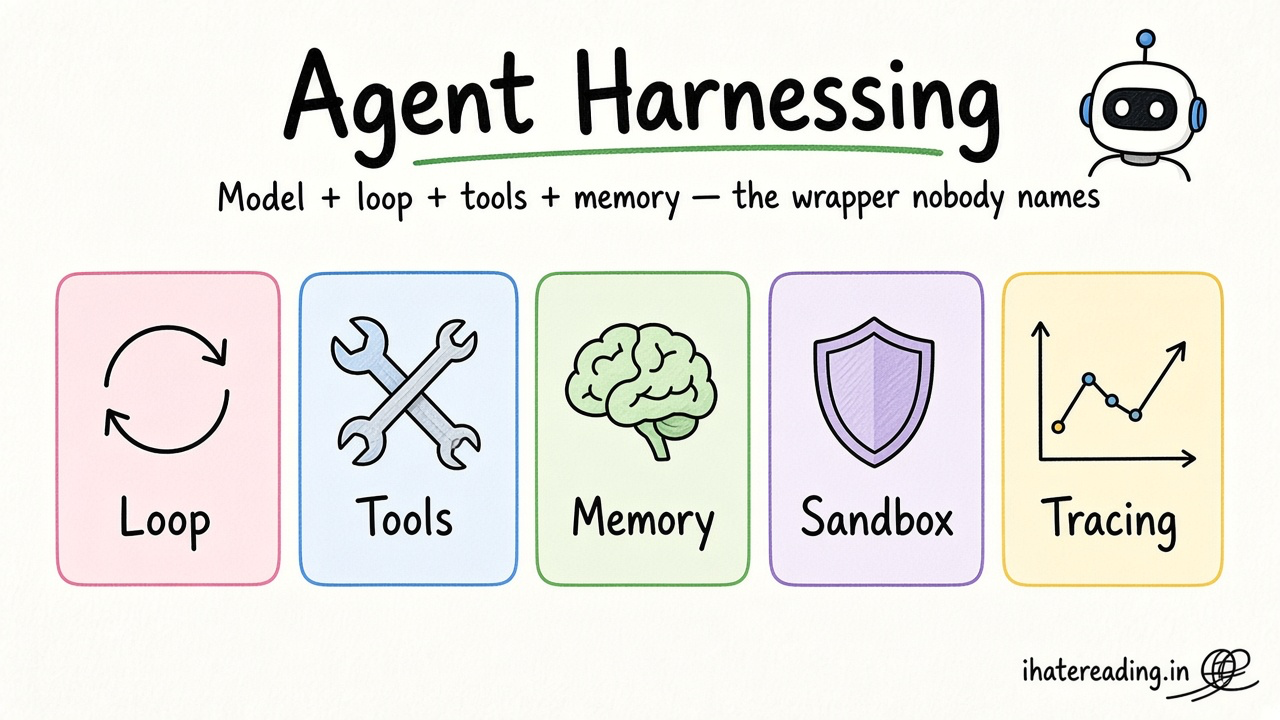
Rules are always-on context, skills are procedures loaded when relevant, and prompts are one-off requests. Use the lightest one that solves the problem.
Keep a prompt log
Save the prompts that worked in docs/prompts.md. Reusing proven prompts is faster than rewriting them.
What Is It?
A prompt library is a set of tested instructions, rules and skills you reuse across projects.
Why Should I Care?
It turns trial-and-error into a process, and keeps every agent in every project aligned to your standards.
Real World Analogy
It is a chef's recipe binder and kitchen rules poster: new cooks follow the same standards from day one.
Visual Mental Model
Rules (always) + Skills (when relevant) + Prompts (this task) -> agent -> reviewed diffBeginner Explanation
Copy the AGENTS.md template below, add two Cursor rules from our database, create one skill for adding screens, and keep a prompts log.
Smallest Possible Example
AGENTS.md template
Stack: Expo (latest SDK), TypeScript strict, Expo Router, NativeWind, Zustand, TanStack Query, Supabase.
Folders: app/ screens | components/ui | hooks/ | lib/ | assets/
Commands: npx expo start | npx tsc --noEmit | npx expo lint | npm test | npx expo-doctor
Rules: server data via TanStack Query; client state in Zustand; secrets never in code; tests for new behaviour; ask before adding dependencies.
Never: edit ios/ or android/ by hand, commit .env, disable RLS, call LLM providers from the app.
Common Mistakes
❌ A 500-line rules file.
Agents ignore long files; keep it short and specific.
❌ Copying rules you do not understand.
Conflicting rules cause odd behaviour; read each one.
❌ Not versioning the library.
Keep it in git so improvements travel between projects.
Real Project Example
Teams treat rules and skills like code: reviewed, versioned and improved after incidents.
Build This Mini Project
Create a starter-kit repo with AGENTS.md, three Cursor rules, four skills (add-screen, database-change, test-first, diff-review) and a prompts log, and reuse it for your next app.
Interview Question
What belongs in a rules file versus a skill?
Rules hold durable always-on conventions (stack, style, forbidden actions); skills hold step-by-step procedures for specific recurring tasks loaded when relevant.
Key Takeaways
- Prompts need role, context, task, constraints and verification.
- Keep rules short and specific.
- Package procedures as skills.
- Version your library and reuse it.
Stack for this step
| Layer | Pick | Why |
|---|---|---|
| Always-on context | AGENTS.md / CLAUDE.md / .cursor/rules | Stack and conventions. |
| Procedures | Claude Code skills | Repeatable checklists. |
| Assets | AI style prompts | Consistent visual identity. |
Prompts for Cursor, Claude Code & Codex
Paste these into Cursor, Claude Code, Codex, or any coding agent. Replace the bracketed parts with your app details, and keep the agent in plan mode first so you review the approach before it edits files.
Master build prompt
Role: senior React Native engineer. Context: read SPEC.md and AGENTS.md. Task: implement only [slice]. Constraints: no new dependencies, do not change other screens, use components/ui and tokens, no secrets. Verification: run typecheck, lint and tests; list files changed and anything not verified on a device.Improve my rules
Review AGENTS.md and the last 10 commits. Find mistakes the agent repeated and propose up to 5 new one-line rules. Remove rules that are redundant or never apply. Keep the file under 60 lines.Icon and splash brief
Using the style direction: [paste a style prompt from the database], produce prompts for: a 1024x1024 app icon (no text, simple shape), a splash screen illustration, and three onboarding illustrations with consistent palette [tokens]. Specify output sizes and background.Store screenshot plan
Plan five App Store screenshots for [app]: for each, the screen to show, a five-word caption, the key benefit, and the sample data to seed so the screen looks real.Claude Code skill for this step
Save this as .claude/skills/starter-kit-sync/SKILL.md in your project so Claude Code loads it automatically when the task matches. The same text works as a Cursor rule or an AGENTS.md section.
---
name: starter-kit-sync
description: Use when starting a new project or when a rule or skill changes, to keep the shared library in sync.
---
1. Copy AGENTS.md, rules and skills from the starter kit into the new repo.
2. Adjust stack names and commands to the project.
3. After repeated agent mistakes add one line to the rules.
4. Commit improvements back to the starter kit.
Rules, databases & blogs to use
- Cursor rules database: all rules
- Mobile rules: mobile category
- Testing & QA rules: testing category
- Security rules: security category
- Database & API rules: database category
- Tailwind rules: Tailwind technology
- Supabase rules: Supabase technology
- Firebase rules: Firebase technology
- React Native Expo rule: Expo rule
- Expo + Jest + Detox rule: Expo testing rule
- Clean code rule: baseline rule
- Code style consistency rule: consistency rule
- AI style prompts database: image and video styles
- Databases of databases: every iHateReading database
- Cursor, Codex, Claude Code prompts: 200+ prompts
Resources
The 60-second story
A restaurant group keeps one recipe binder and one poster of kitchen rules, and every new branch gets copies on day one. The new cook does not learn by ruining dishes; they learn from what the old branches already figured out.
Your prompt library is that binder. Rules are the poster on the wall, skills are the laminated recipes for jobs you repeat, and prompts are today's order. Each time a mistake repeats, you add a line to the poster. Every new app starts on day one with everything the last app learned.
Mental model: binder, poster, today's order.