Vibe coding means building software by describing what you want to an AI coding agent, running what it produces, and steering with feedback instead of typing every line yourself. The term was popularised by Andrej Karpathy in early 2025 and it has since turned into a real workflow for shipping apps.
For mobile it works best when you stay in charge of the plan, the data model and the review, and let the agent do the typing. This chapter gives you the loop, the tools, and the guardrails that keep an AI-built app from turning into a pile of code nobody understands.
Core concepts
- The vibe coding loop: Plan the screen or feature in plain words, prompt the agent for a small change, run the app on a device, review the diff, test, then commit. Repeat with the next small slice. Big one-shot prompts produce big one-shot mistakes. — Cursor docs
- Specs before prompts: Write a one-page spec first: who the user is, the three core screens, the data you store, and what is out of scope. Paste it into the agent as context. A clear spec is the single biggest quality lever. — Claude Code docs
- Project context files: Give the agent standing instructions:
.cursor/rules/*.mdcfor Cursor,CLAUDE.mdfor Claude Code, andAGENTS.mdfor Codex and many other agents. These files hold your stack, folder layout and do-not-touch list. — AGENTS.md format - Plan mode and small diffs: Ask the agent to propose a plan and list the files it will touch before editing. Keep each change small enough to review in a couple of minutes. Commit after every working step so you can roll back. — Codex docs
- You own the review: The agent writes code; you decide whether it ships. Read the diff, run type-checks, run the app on a real device, and watch for invented APIs, hard-coded secrets and silent error handling. — React Native debugging
- Choosing your tools: Cursor is an AI-first editor, Claude Code and Codex are terminal and cloud agents that work across your repo. Many vibe coders use an editor for exploring and an agent CLI for larger tasks. Pick one primary tool and learn it well before adding more. — Cursor docs
Concept videos
YouTube channels and searches for these topics. On a large screen they open in the reading panel next to the roadmap.
- Cursor walkthroughs — Cursor official channel
- Claude Code walkthroughs — Anthropic channel
- Codex walkthroughs — OpenAI channel
- Vibe coding an app — YouTube search: vibe coding mobile app Expo
Explanation
Why mobile needs a firmer hand than web
A web page can be fixed and redeployed in a minute. A mobile build goes through store review, and a crash on launch is visible to every user until the next release. That makes small steps, real-device testing and a clear rollback habit more important in mobile than on the web.
What the agent is good and bad at
Agents are strong at boilerplate, wiring libraries together, writing tests, and translating a screenshot or description into screens. They are weaker at knowing your product, remembering decisions across sessions, and judging security. Give them context and constraints; keep judgement for yourself.
The three layers of instructions
Rules files hold things that never change (stack, naming, folder structure). The spec holds what you are building this month. The prompt holds today's slice. Keeping those separate stops prompts from growing into essays and keeps the agent consistent.
Checkpoints and rollback
Commit after every green step with a clear message. When an agent goes off course, git restore or git reset is cheaper than arguing with it. Treat commits as save points in a game.
What Is It?
Vibe coding is a way of building where natural language is the main input and the AI agent writes most of the code.
It is not 'no thinking': it moves your effort from typing syntax to planning, reviewing and testing.
Why Should I Care?
A solo builder can now ship a working mobile app in weeks instead of months, but only if the loop stays disciplined.
Unreviewed AI code is the fastest way to ship security bugs, crashes and an app you cannot maintain.
Real World Analogy
You are the director and the agent is a fast, literal crew: it will build exactly the set you describe, so unclear directions produce a confident, wrong set.
Visual Mental Model
Spec -> Plan -> Small prompt -> Run on device
  ^                              |
  |                         Review diff
  +---- Commit <---- Test <-------+
Beginner Explanation
Write a half-page spec, tell the agent your stack in a rules file, ask for one screen at a time, run it on your phone, and commit when it works. Never accept a change you have not read.
Smallest Possible Example
Project context
Stack: Expo (React Native, TypeScript), Expo Router, NativeWind, Zustand, Supabase.
Rules: functional components, no any, one screen per file in app/, no secrets in code.
Task: build the Login screen only. Do not touch other screens.
Common Mistakes
❌ Asking for the whole app in one prompt.
You get thousands of lines you cannot review and bugs you cannot localise. Slice by screen or feature.
❌ Skipping the spec and rules files.
The agent guesses your stack and invents libraries. A short context file removes most of that.
❌ Accepting changes without running them on a device.
Simulators hide permission, keyboard and performance problems. Test on real hardware before you call a step done.
Real Project Example
Teams using AI agents typically keep a rules file in the repo and review every agent diff in a pull request, the same as human code.
Many indie apps ship their first version from a single agent-driven repo with a spec and a rules file checked in.
Build This Mini Project
Create an empty git repo with a SPEC.md (users, three screens, data) and an AGENTS.md or .cursor/rules file naming your stack. Ask your agent to propose a plan only, then review it.
Interview Question
How do you keep AI-generated code safe and maintainable?
Keep a spec and rules in the repo, work in small reviewed diffs, run type-checks and tests on every step, test on real devices, and never let secrets or unreviewed dependencies in.
Key Takeaways
- Plan, prompt small, run, review, test, commit.
- Write a spec and a rules file before the first prompt.
- You own the review; the agent owns the typing.
- Commit after every green step.
Stack for this step
| Layer | Pick | Why |
|---|---|---|
| Editor / agent | Cursor, Claude Code, Codex | Pick one primary; learn plan mode and context files. |
| Context | AGENTS.md, CLAUDE.md, .cursor/rules | Standing instructions the agent reads every session. |
| Version control | Git + GitHub | Save points and diffs to review. |
Prompts for Cursor, Claude Code & Codex
Paste these into Cursor, Claude Code, Codex, or any coding agent. Replace the bracketed parts with your app details, and keep the agent in plan mode first so you review the approach before it edits files.
Turn an idea into a spec
You are a product engineer. I want to build a mobile app: [one-sentence idea]. Ask me up to 8 questions, then write SPEC.md with: target user, 3 core screens, data we store, out-of-scope list, and the riskiest assumption. Do not write code.Create the project rules file
Read SPEC.md. Create AGENTS.md describing: stack (Expo, TypeScript, Expo Router, NativeWind, Zustand, Supabase), folder layout, naming rules, how to run lint/typecheck/tests, and a do-not-touch list. Keep it under 60 lines.Plan before editing
Plan only. For the feature [feature], list the files you will create or change, the data shape, edge cases, and how we will test it. Wait for my approval before editing any file.Claude Code skill for this step
Save this as .claude/skills/plan-then-build/SKILL.md in your project so Claude Code loads it automatically when the task matches. The same text works as a Cursor rule or an AGENTS.md section.
---
name: plan-then-build
description: Use when starting any feature: write a short plan, list files to touch, then implement in small reviewed steps.
---
1. Restate the feature in one sentence and list assumptions.
2. List files to create or change and the data shape; wait for approval.
3. Implement one step at a time, running typecheck and lint after each.
4. Summarise the diff and suggest the commit message.
Rules, databases & blogs to use
- Cursor, Codex and Claude Code prompts collection: 200+ copy-paste prompts
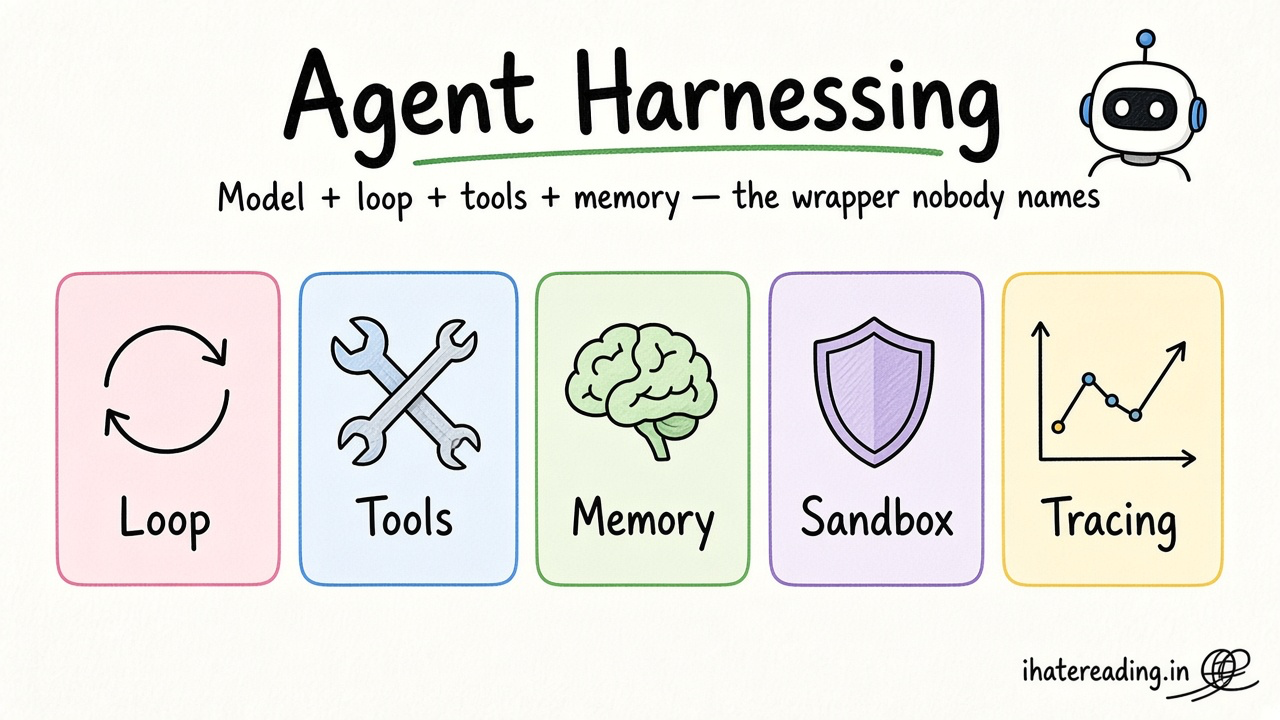
- Agent harnessing: loop, tools, memory: how coding agents work under the hood
- Making AI applications without AI slop: quality guardrails
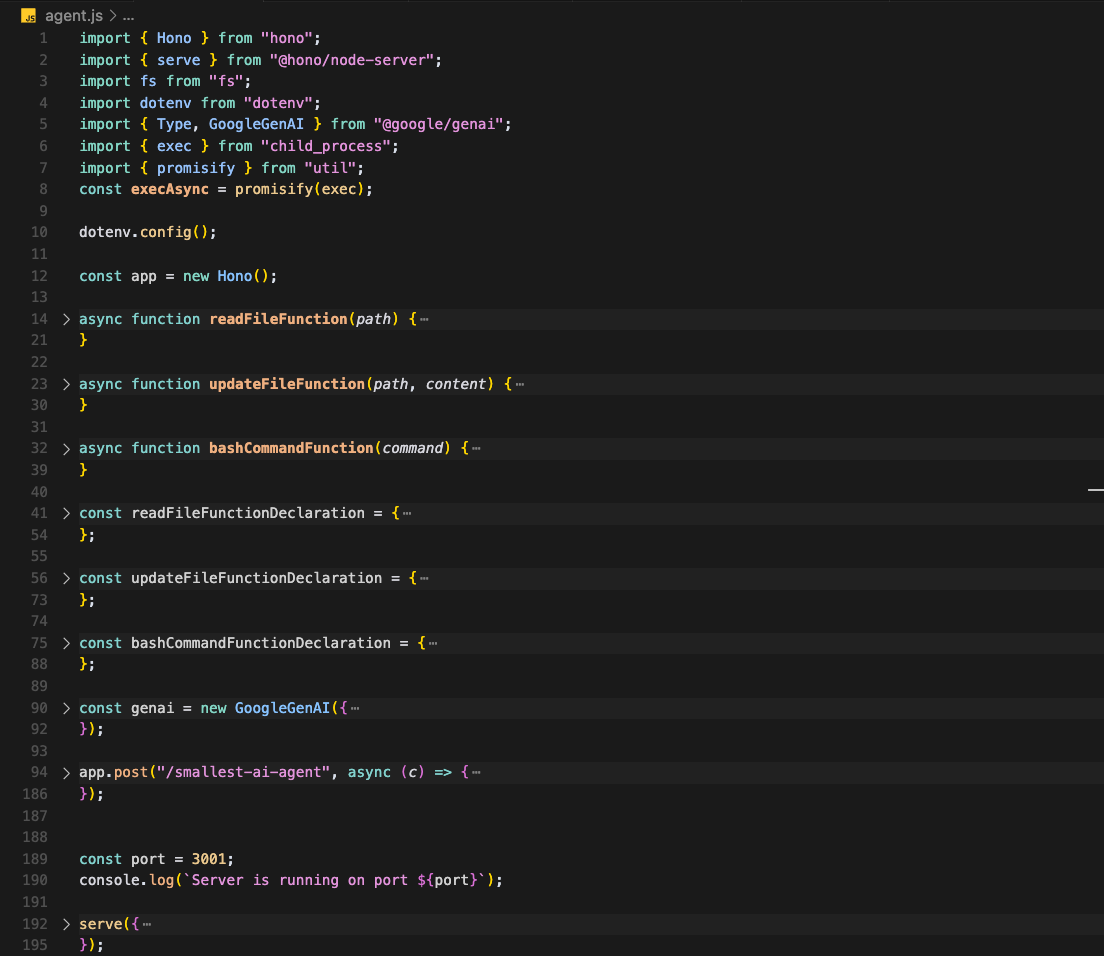
- Smallest AI agent: understand the tool loop
- Cursor rules database: 250+ rules by category and technology
- Clean code rule: baseline code quality rule
- Anti over-engineering rule: stop agents adding needless layers
- All databases: Universo, directories, rules, styles
Resources
The 60-second story
You hire a very fast builder who has never met your customers. If you say 'make me a house', you get a house, but maybe not the one you wanted. If you hand over a floor plan, a materials list and a rule that says 'do not move the load-bearing wall', the house comes out right.
Vibe coding is handing over the floor plan. The spec is the plan, the rules file is the materials list, and each prompt is one room. You walk through every room before the next one starts, and you take a photo (a commit) when it is right.
Mental model: you direct, the agent builds, and nothing ships until you have walked through it.