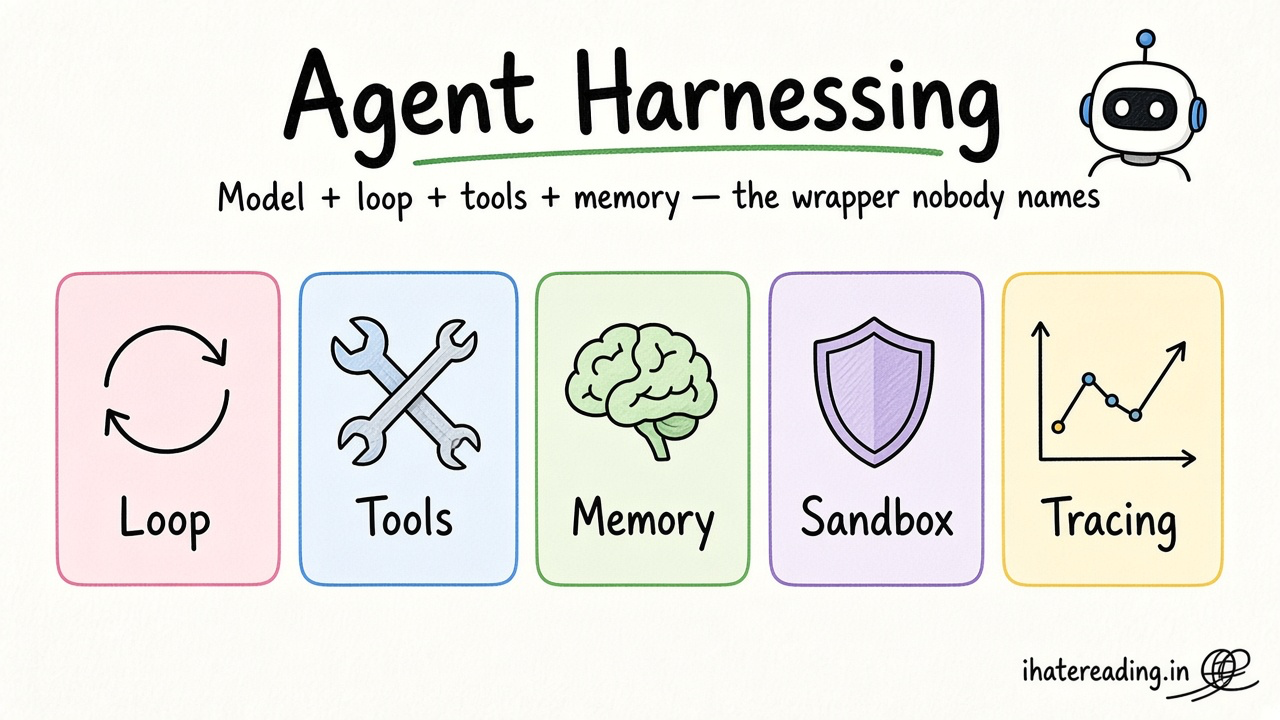
Claude Code is Anthropic's agentic coding tool that works in your terminal and across your whole repository. It reads a CLAUDE.md file and can load reusable skills.
Core concepts
- CLAUDE.md: A markdown file in the repo root that Claude Code reads at the start of each session. Put the stack, commands and conventions there, and keep it short. — Claude Code docs
- Skills: A skill is a folder with a
SKILL.md(name, description, steps) that Claude loads when a task matches. Create skills for repeatable jobs like 'scaffold an Expo screen' or 'add a Supabase table with RLS'. — Claude Code docs - Subagents and parallel work: Delegate focused jobs, such as writing tests or reviewing security, to subagents so the main thread keeps a clean context. — Claude Code docs
- MCP servers: The Model Context Protocol connects the agent to tools such as your database or docs. A Supabase MCP server lets the agent inspect your project; use read-only access and a development project. — Supabase MCP guide
- Permissions and safety: Review which commands the agent may run. Never give an agent production credentials; use a dev project and throwaway keys. — Claude Code docs
Concept videos
YouTube channels and searches for these topics. On a large screen they open in the reading panel next to the roadmap.
- Claude Code intro — Anthropic channel
- Claude Code for apps — YouTube search: Claude Code Expo React Native
Explanation
A starter CLAUDE.md
List the stack, the three commands you run constantly (start, lint, test), your folder map and three rules. Update it whenever the agent makes the same mistake twice.
Skills vs prompts
A prompt is one-off. A skill packages a procedure you repeat, so the agent follows the same checklist every time.
What Is It?
Claude Code is a terminal-based coding agent that edits files, runs commands and uses skills and MCP tools.
Why Should I Care?
It handles multi-file refactors and test generation well, and skills turn your best prompts into repeatable procedures.
Real World Analogy
CLAUDE.md is the onboarding doc for a new contractor, and skills are the laminated checklists pinned above each workbench.
Visual Mental Model
CLAUDE.md + skills + MCP tools -> Claude Code -> edits + commands -> you review the diffSmallest Possible Example
CLAUDE.md
Stack: Expo SDK (latest), TypeScript, Expo Router, NativeWind, Zustand, Supabase.
Commands: npx expo start | npx expo lint | npx tsc --noEmit | npm test
Rules: no secrets in code, run lint and typecheck before saying done, ask before adding dependencies.
Common Mistakes
❌ Pasting your whole PRD into CLAUDE.md.
It is read every session. Keep it to durable rules and link to SPEC.md for details.
❌ Connecting an MCP server to production data.
A mistaken command could change real user data. Use a dev project and read-only roles.
Build This Mini Project
Write a CLAUDE.md and one skill named add-screen, then ask Claude Code to add a Profile screen using the skill.
Prompts for Cursor, Claude Code & Codex
Paste these into Cursor, Claude Code, Codex, or any coding agent. Replace the bracketed parts with your app details, and keep the agent in plan mode first so you review the approach before it edits files.
Create CLAUDE.md
Read the repo and write CLAUDE.md: stack, folder map, commands for start/lint/typecheck/test, and five rules. Keep it under 50 lines and do not copy long docs.Review with a subagent
Spawn a reviewer. Check the diff since the last commit for: invented APIs, missing error handling, hard-coded secrets, and untested branches. Report findings as a list with file and line.Claude Code skill for this step
Save this as .claude/skills/add-expo-screen/SKILL.md in your project so Claude Code loads it automatically when the task matches. The same text works as a Cursor rule or an AGENTS.md section.
---
name: add-expo-screen
description: Use when adding a new screen to the Expo Router app.
---
1. Create the route file under app/ with a typed default export.
2. Style with NativeWind classes and use shared components from components/ui.
3. Read data through a hook in lib/, never fetch inside the screen body.
4. Add a component test and run npx tsc --noEmit and npx expo lint.
Rules, databases & blogs to use
- Cursor, Codex, Claude Code prompts: prompt library
- AI agent explainer: what agents are
- Whole fight for AI sandbox: why agent permissions matter
- AI agent specialist rule: WHY-driven coding rule