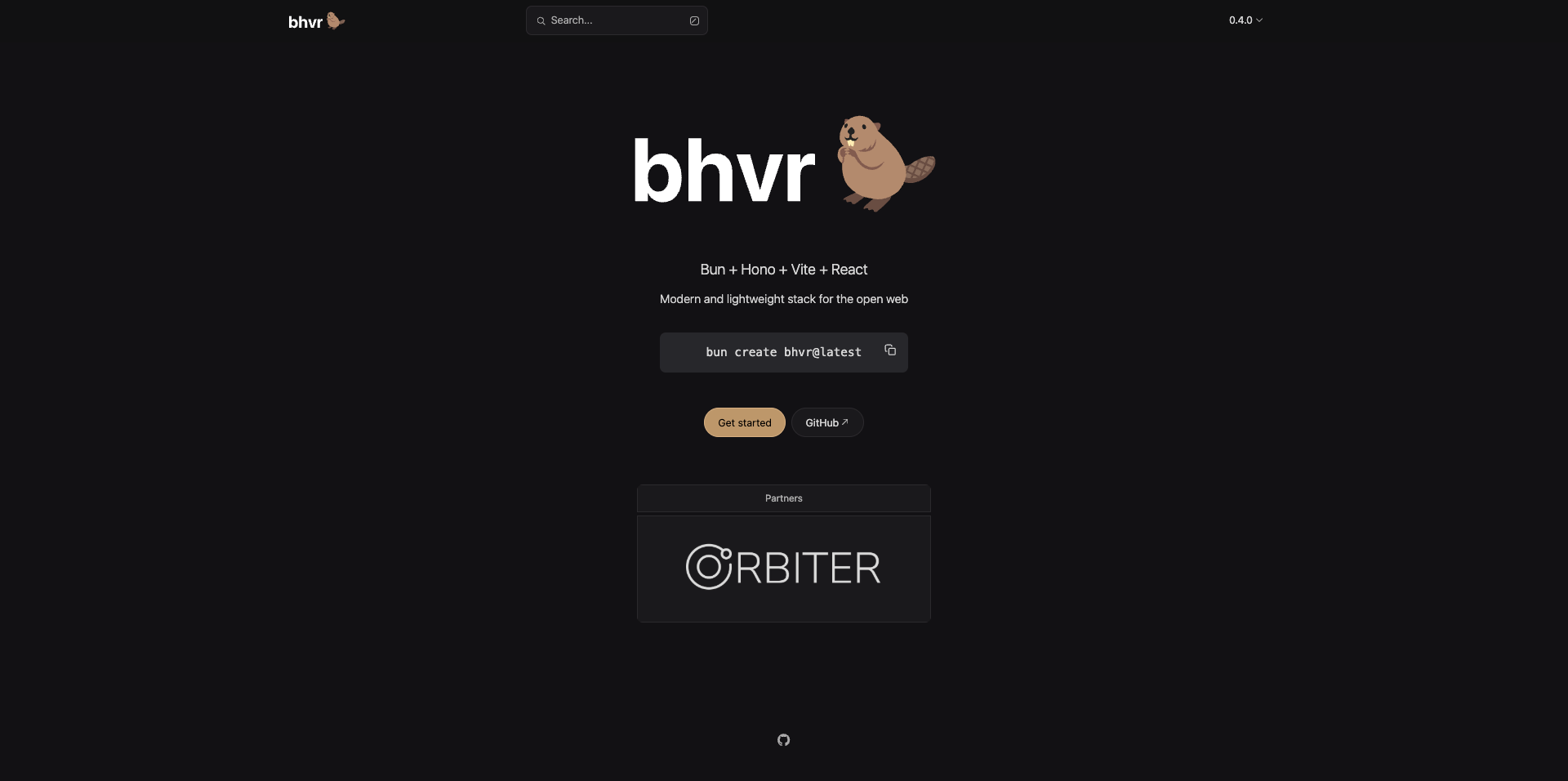
Hello and welcome to the new blog
For the past 2/3 blogs, I've been writing a lot about Honojs as a full-stack web development framework, and today I am sharing a new github repository as a full-stack framework in 2025
It's called bhvr, Bun Hono Vite and React, http://bhvr.dev/
Check this github repository, this repository provides full-stack support for frontend devs and backend devs. Below is the introduction and explanation from the repository
Server
Bhvr uses Hono as a backend API for its simplicity and massive ecosystem of plugins. If you have ever used Express, then it might feel familiar. Declaring routes and returning data is easy.
server
├── bun.lock
├── package.json
├── README.md
├── src
│   └── index.ts
└── tsconfig.jsonimport { Hono } from 'hono'
import { cors } from 'hono/cors'
import type { ApiResponse } from 'shared/dist'
const app = new Hono()
app.use(cors())
app.get('/', (c) => {
return c.text('Hello Hono!')
})
app.get('/hello', async (c) => {
const data: ApiResponse = {
message: "Hello BHVR!",
success: true
}
return c.json(data, { status: 200 })
})
export default appIf you wanted to add a database to Hono you can do so with a multitude of Typescript libraries like Supabase, or ORMs like Drizzle or Prisma
Client
bhvr uses Vite + React Typescript template, which means you can build your frontend just as you would with any other React app. This makes it flexible to add UI components like shadcn/ui or routing using React Router.
client
├── eslint.config.js
├── index.html
├── package.json
├── public
│   └── vite.svg
├── README.md
├── src
│   ├── App.css
│   ├── App.tsx
│   ├── assets
│   ├── index.css
│   ├── main.tsx
│   └── vite-env.d.ts
├── tsconfig.app.json
├── tsconfig.json
├── tsconfig.node.json
└── vite.config.tsimport { useState } from 'react'
import beaver from './assets/beaver.svg'
import { ApiResponse } from 'shared'
import './App.css'
const SERVER_URL = import.meta.env.VITE_SERVER_URL || "http://localhost:3000"
function App() {
const [data, setData] = useState<ApiResponse | undefined>()
async function sendRequest() {
try {
const req = await fetch(`${SERVER_URL}/hello`)
const res: ApiResponse = await req.json()
setData(res)
} catch (error) {
console.log(error)
}
}
return (
<>
<div>
<a href="https://github.com/stevedylandev/bhvr" target="_blank">
<img src={beaver} className="logo" alt="beaver logo" />
</a>
</div>
<h1>bhvr</h1>
<h2>Bun + Hono + Vite + React</h2>
<p>A typesafe fullstack monorepo</p>
<div className="card">
<button onClick={sendRequest}>
Call API
</button>
{data && (
<pre className='response'>
<code>
Message: {data.message} <br />
Success: {data.success.toString()}
</code>
</pre>
)}
</div>
<p className="read-the-docs">
Click the beaver to learn more
</p>
</>
)
}
export default AppShared
The Shared package is used for anything you want to share between the Server and Client. This could be types or libraries that you use in both environments.
shared
├── package.json
├── src
│   ├── index.ts
│   └── types
│       └── index.ts
└── tsconfig.json
Inside the src/index.ts we export any of our code from the folders so it's usable in other parts of the monorepo
export * from "./types"By running bun run dev or bun run build, it will compile and export the packages from shared so it can be used in either client or server
import { ApiResponse } from 'shared'I've covered a quick introduction to Honojs in the last blog, do give it a read.
Hono with Vite, React is getting a good alternative along with some databases such as Drizzle, Prisma, Clickhouse and DuckDB, Firebase, and Supabase.
Building
Building the client and server is easy to handle deployment is as well
# Build all workspaces with Turbo
bun run build

# Or build individual workspaces directly
bun run build:client  # Build the React frontend
bun run build:server  # Build backend Hono app
Deployment
This is ON Deployment is the control.
One can deploy the above app on a couple of platforms
- GitHub pages
- Netlify
- Heroku
- AWS
- GCP
- Vercel
- Cloudfare
Do check the website: https://bhvr.dev/
That's it for today, see you in the next one
iHateReading
Summary
This blog post introduces "bhvr," a new full-stack web development framework available on GitHub. Bhvr uses Bun, Hono (for the backend API), Vite, and React (for the frontend), organized as a monorepo with a shared package for types and common code. The backend leverages Hono's simplicity and integrates easily with various databases (Supabase, Drizzle, Prisma). The frontend is a standard Vite + React Typescript setup, allowing for flexibility with UI components and routing. The blog provides links to the GitHub repository and a live demo, and notes the ease of building and deploying the application to various platforms (GitHub Pages, Netlify, Heroku, AWS, GCP, Vercel, Cloudflare).