# Buidling Documentation Website
> Realworld edge cases
_Published 2025-12-04_
_Author: Shrey Vijayvargiya_
## Overview
Hello and welcome to today's blog
Recently, I got an email from a person asking how he can make a documentation website. He was using Mintlify and Fuma docs, but was not satisfied
Mintlify was too costly $300/month, and Fuma Docs is open-source, needing some manual reading and onboarding as a time-consuming process
My very first reaction is to create static documentation using Nextjs react-markdown and use file-based routing to render content from a markdown file
1. Install Nextjs latest repository
2. Add tailwind, shadcn optional and react-markdown with next/mdx npm packages
3. Add markdown files inside the content directory in the root directory. This will contain all markdown files
4. Create a content mapping object, /docs/introduction will fetch content from docs/introduction.mdx file and so on
5. Write a method to read and return the file content using the fs module
6. Render the content inside React jsx and in the dynamic routing, set he meta tags accordingly for each page
I personally use this process to quickly create documentation, and because of the following reasons, I prefer markdown and hardcoding of a database instead
1. Hard-coding makes the website static and gives search engines better reading capability
2. No database, no API cost, zero headaches
3. Markdown support works for all kinds of developers and people
Nested Routing and Multiple Tabs
The client was asking for further updates, such as Tabs and versioning, and that was the tricky part, but we have a solution
Tabs are again handled via routing, each tab takes to a new route, and each route uses the mapping to find the content from the markdown file
Each route for tabs contains the Sidebar content or a list of children routes, for example, https://docs-template-henna.vercel.app/docs/bootup/introduction and https://docs-template-henna.vercel.app/docs/bootup/migrate-to-docs, both are content for the Bootup tab that contains Introduction and Migrate to Docs as the sidebar children routes in the sidebar, check the image below
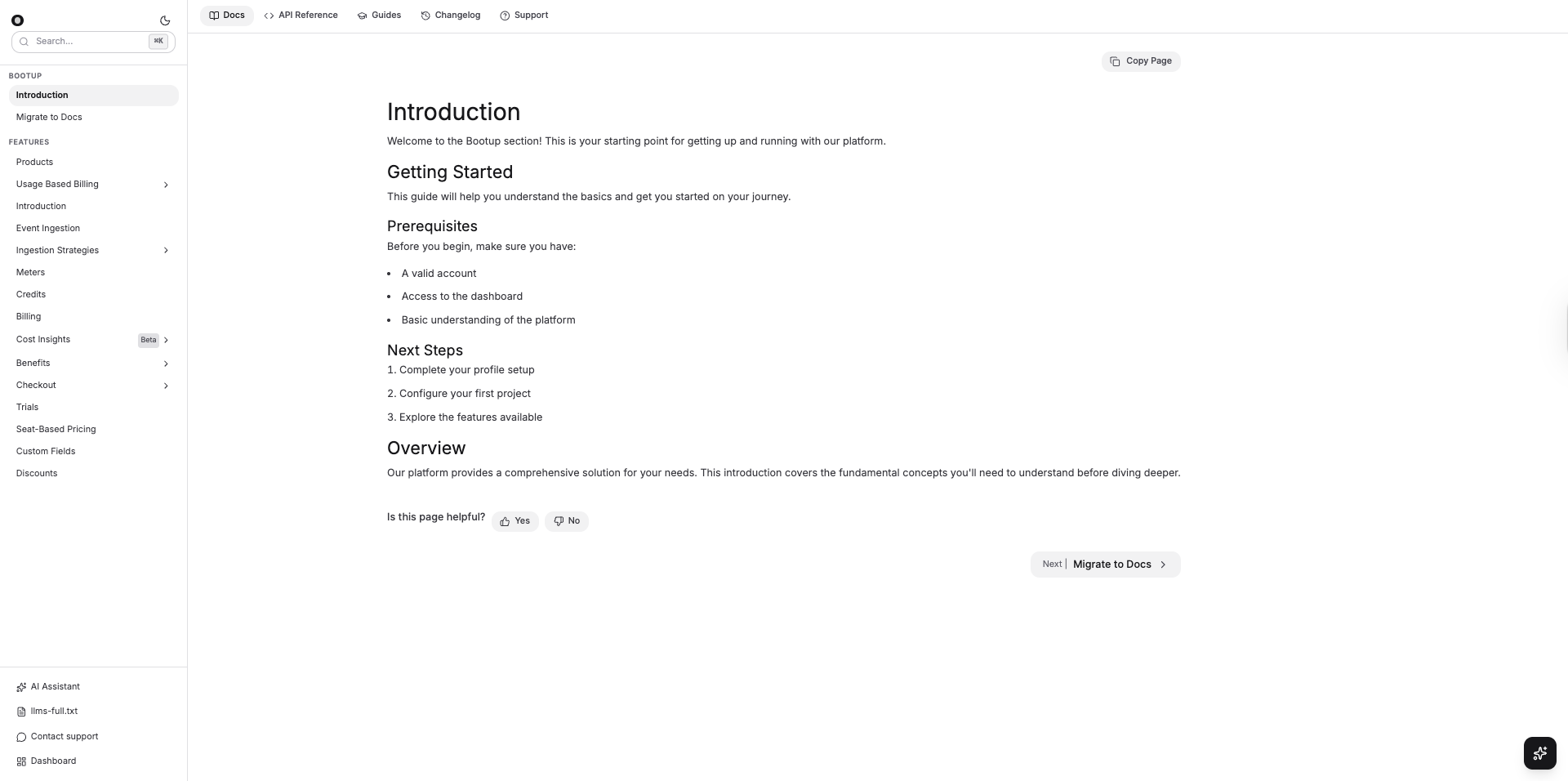
We are using the Sidebar route mapping object that maps the current parent route to provide children routes for the Sidebar
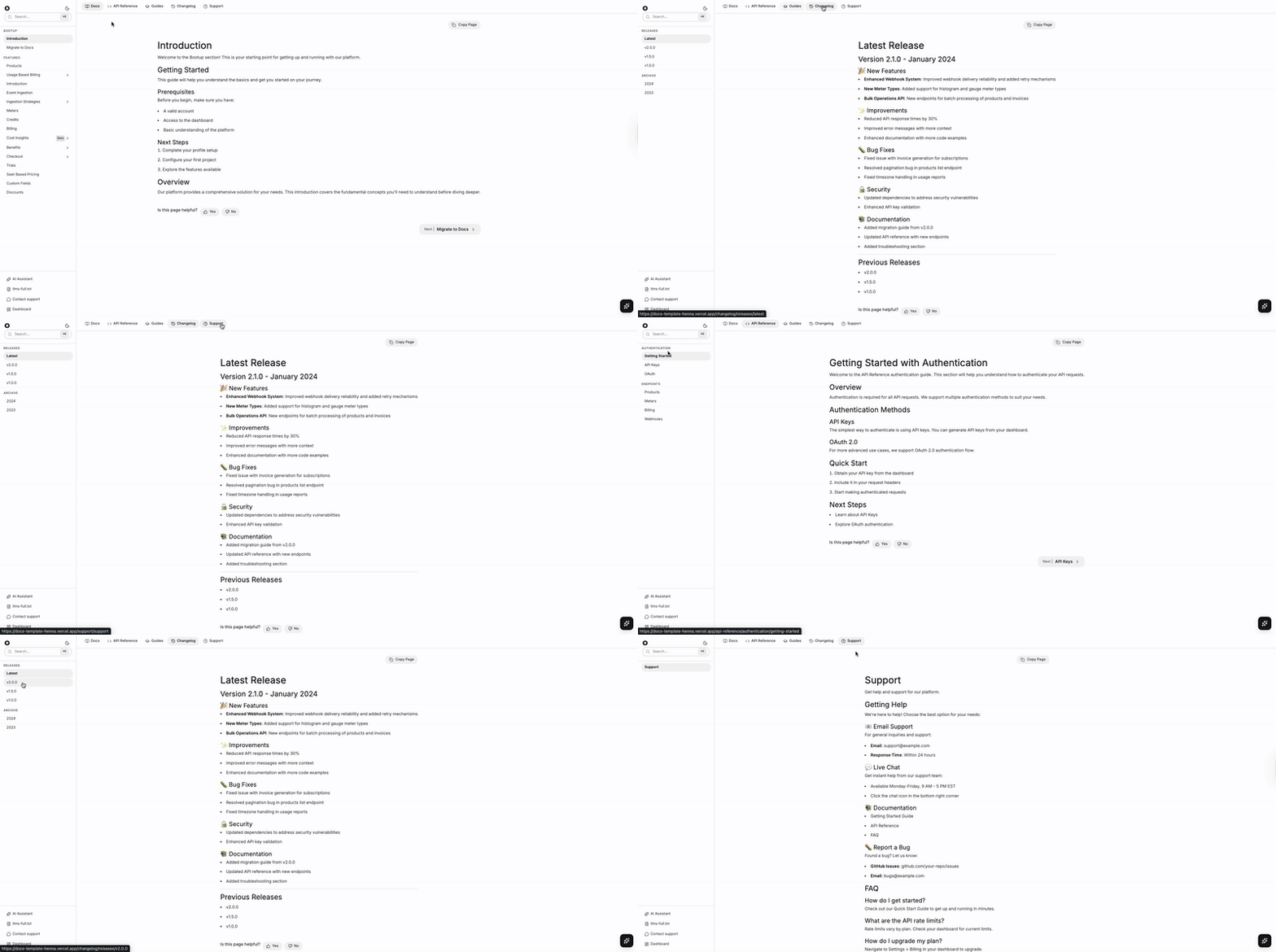
For example, if the Docs page is the parent route, then the Sidebar content will change, and so will it for Guides and Api Reference and Support
Check the video below
Handling Responsiveness
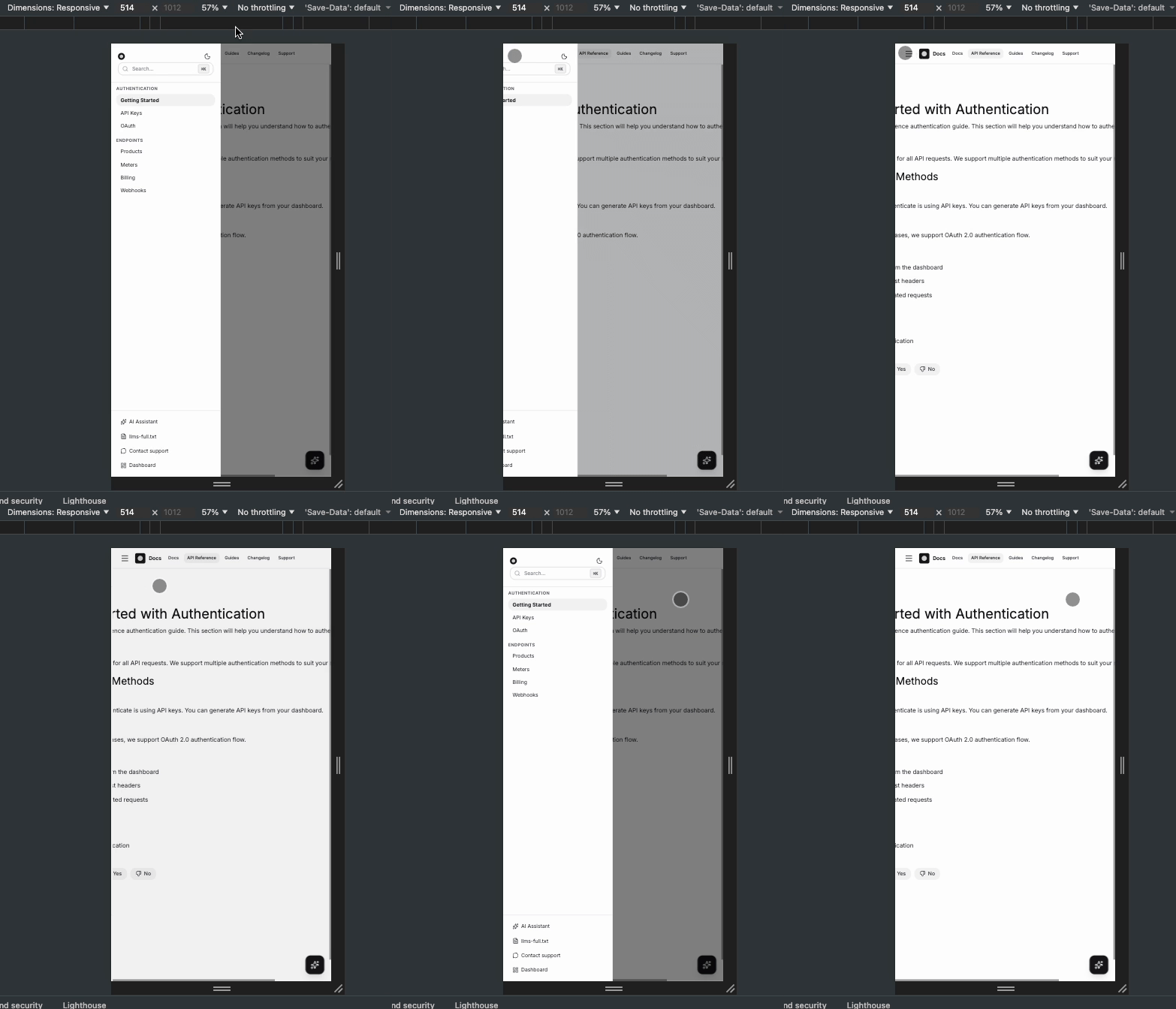
A few things I was considering for small devices are the sidebar and the Navbar, because the content part will remain the same
Navbar, we mostly need to add the toggle sidebar icon for small devices
Sidebar becomes an actual Sidebar with fixed as the CSS rendering Sidebar content inside a modal on the left-hand side. I prefer using motion from framer-motion and Tailwind CSS to quickly add CSS and animate the div from the left side, looking more like a sidebar
Now the final easy documentation website is ready
1. Nextjs and Tailwind latest source code
2. Hard-coded, SEO optimised documentation template
3. Multiple routes, nested routes with copy content and a Table of Contents
4. Responsive source code for small and large devices
5. AI chatbot in the right sidebar to Chat with AI just like mintlify
Check out the template demo
Get the source code
That's it for today
Shrey
---
Canonical HTML: https://ihatereading.in/blogs/buidling-documentation-website
Markdown: https://ihatereading.in/blogs/buidling-documentation-website.md