Hello people,
Welcome to iHateReading new blog
Well AI is close to bringing AGI later on in 2025 or in 2026 but AI agents are certainly in the way to boom the market once again.
AI agents are already been in the market and it's not just me but Y Combinator's recent 400 invested starts/cohorts 80% of them are AI agents and AI enterprise apps.
But that's not the only thing to focus on AI agents, we have already covered a detailed report on AI agents and the open-source world if you are seeking things to learn in AI agentic programming.
Moving ahead with today's blog intention, Deepseek and OpenAI-powered the AI-based LLM apps and it's become important to pay attention to them as well.
What are LLM models?
LLM are large language models that can generate text after training on large language datasets to provide an overview to newcomers. LLM models can be multi-modal by understanding audio and images as the input
LLM models are huge in numbers one can check the entire list of hugging face. Hugging Face is the platform for Machine learning enthusiasts it's a github but for machine learning developers, a directory of all machine learning and AI models with detailed instructions, explanations and documentation.
Hugging Face is an AI developers community provides top-rated LLM models for all kinds of tasks such as text-to-audio speech, text translation models, object detection and computer vision models.
If you are new to those technologies do not get frustrated, here is the easier explanation
Text to audio: Convert text to audio
Text translation: Convert Hindi to French or English to Japanese
Object Detection: Detect and categorise objects such as animals, cups, coffee and so on
Computer Vision: Using computer LLM models to vision the computer screen and return the output, for example, detecting objects on a desktop screen running real-time video.
There are a lot of purposes and applications and the above 4 are the basic examples, so do check the hugging face website if you are going into the machine learning domain this is the analogy of github for frontend as hugging face for machine learners.
Moving ahead, one more thing to cover in today's story is running LLM models locally. But before that, I want to cover LLM models
So far in 2025, we have more than 100 LLM models but few of them are top ones that are as follows
- OpenAI LLM model
- Qwen
- Deepseek
- Anthropic
- Google Gemini
- Mistral
and a lot more exists in the world.
One way to run LLM models is by using third-party or service providers API. For example in case of OpenAI, Anthropic, Google Gemini all of them provide APIs to directly run LLM models and get the response instantly and build LLM powered apps called as RAG.
But that is the old and typical way but yet more than or in fact all of the LLM apps developed using the third-party APIs.
Ollama
Ollama is the reason why I am writing this new article.
Ollama is again a software for Mac and windows but it's important because it allows us to run LLM models locally.
One can learn more by watching the youtube videos about running Ollama locally.
But I'll explain in a few steps how to run Deepseek using Ollama locally
Running Deepseek locally
- Download Ollama software
- Install the software using the CLI
- Once installed download/pull the LLM model
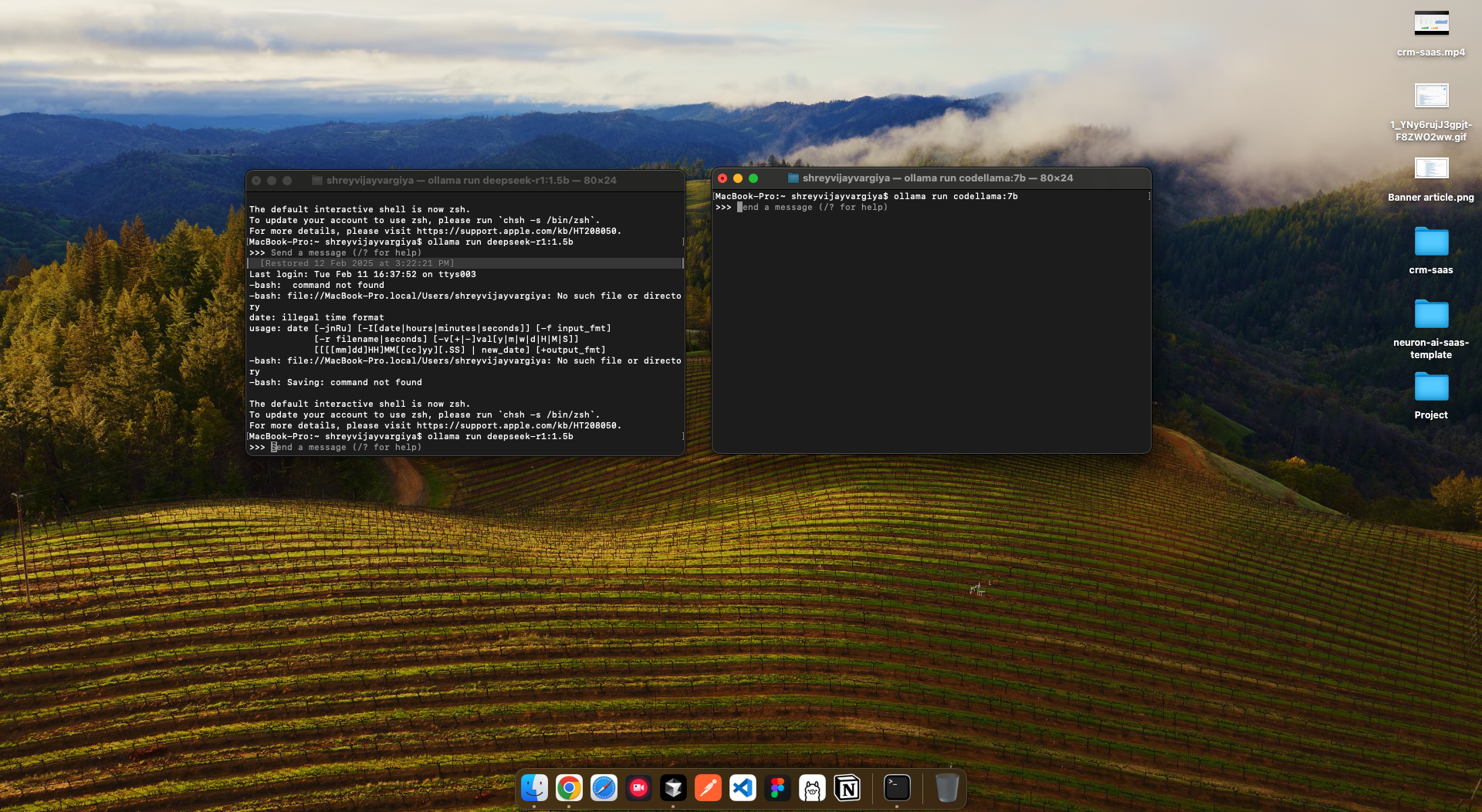
- Run ollama pull deepseek-r1:1.5b command to download deepseek LLM model locally
- Run the command ollama run deepseek-r1:1.5b LLM model locally
Just 5 steps to run deepseek-r1:1.5b and 7b LLM model locally
Running Deepseek in Node.js
This is also quite simple
- Run deepseek-r1 LLM model locally in the terminal
- Access the model in nodejs via the Ollama server running locally
- Ollama server runs locally on localhost:11434 PORT
- Use langchain to access Ollama local host port to use the deepseek-r1 LLM model within nodejs
import { ChatOllama } from "@langchain/ollama";

const deepSeekClient = new ChatOllama({
	model: "deepseek-r1:1.5b",
	temperature: 0.8,
	baseUrl: "http://localhost:11434",
	streaming: true,
});

// streaming true will give results in streaming pattern
// model takes the model name deepseek-r1:7b or 8b and so on
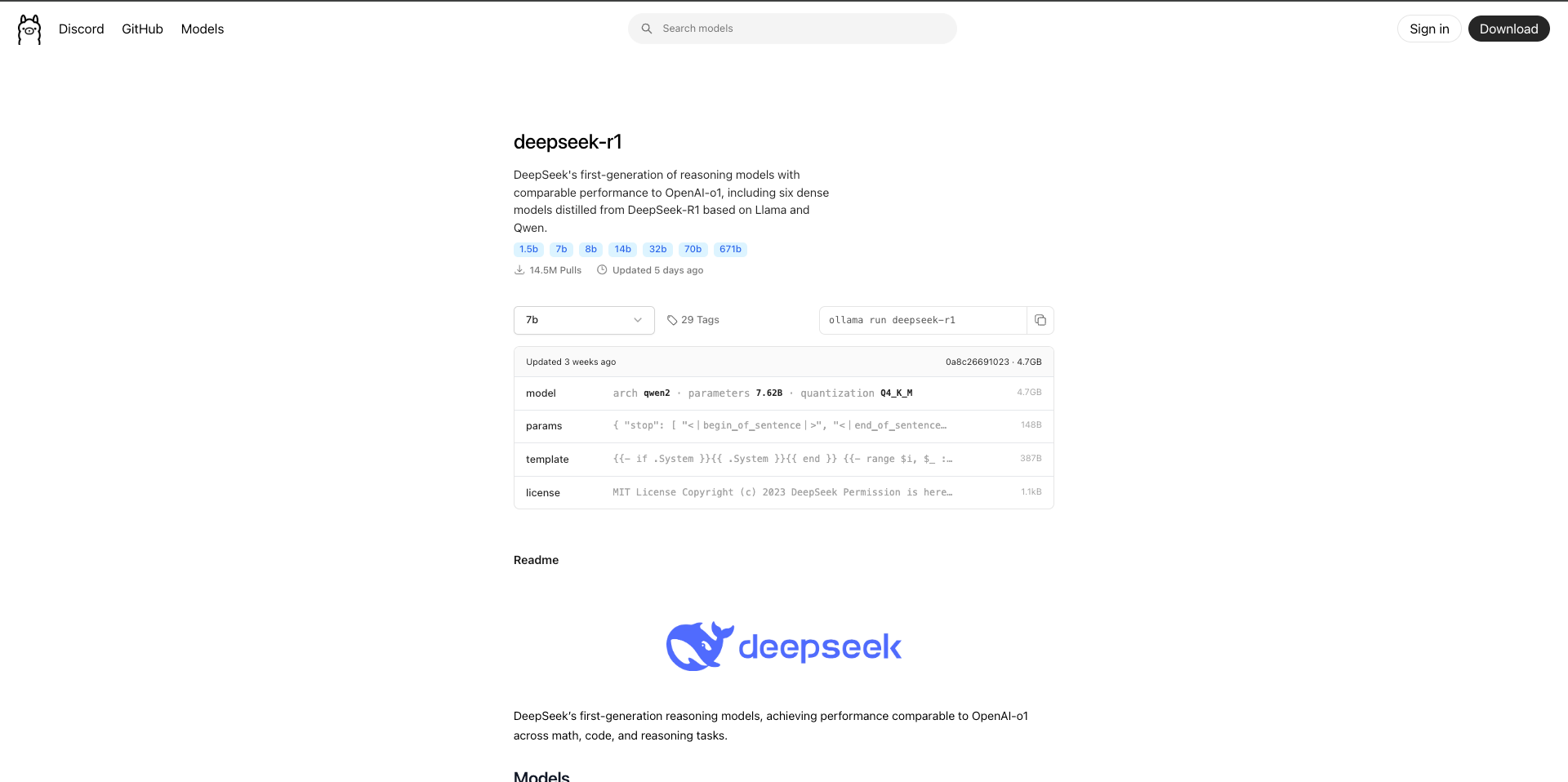
Check the deepseek models and other mdoels on the Ollama website, https://ollama.com/library/deepseek-r1
Running Deepseek in Jupyter
I've found a good introductory video to run deepseek locally using Ollama and use it inside Jupyter to access the model directly using python
Langchain
One more thing to pay attention to in the above code is using langchain/ollama. What is this langchain and why we are using it
In simple words, langchain is the framework for building LLM and AI-powered apps and since it's a framework it supports all LLM models running locally as well LLM models via third-party APIs such as OpenAI or Gemini API.
import { ChatOpenAI } from "@langchain/openai";
import { HumanMessage, SystemMessage } from "@langchain/core/messages";
import { ChatOllama } from "@langchain/ollama";

const ollamaClient = new ChatOllama({
	model: "codellama:7b",
	temperature: 0.8,
	baseUrl: "http://localhost:11434",
	streaming: true,
});

const deepSeekClient = new ChatOllama({
	model: "deepseek-r1:1.5b",
	temperature: 0.8,
	baseUrl: "http://localhost:11434",
	streaming: true,
});

const client = new ChatOpenAI({
	temperature: 0.9,
	model: "gpt-4o-mini",
	apiKey: process.env.OPENAI_API_KEY,
});
In the above code, we can import langchain modules to create client, ollamaClient and deepseekClient with the LLM models and temperature and API key(if required)
Once the client is ready we just need to call the invoke method and the rest can be done by LLM itself.
const response = await ollamaClient.invoke([
	new SystemMessage(getDependencySystemPrompt(userPrompt)),
	new HumanMessage(`
		Please provide the required output that reflects the user project details or requirements.
	`),
]);

console.log(response.content);
res.send(response.content);
That's it for today, see you in the next one
iHateReading
Summary
Thisblog post explains running LLMs locally using Ollama. Large language models (LLMs) like DeepSeek and those on Hugging Face generate text, translatelanguages, and perform object detection. Ollama facilitates local LLM execution; users download the software, pull models (e.g., ollama pulldeepseek-r1:1.5b), and run them. Langchain, a framework, simplifies LLM integration; the example uses ChatOllama to access LLMs via Ollama's local server. Local LLM execution enhances privacy and control.Thisblog post explains running LLMs locally using Ollama. Large language models (LLMs) like DeepSeek and those on Hugging Face generate text, translatelanguages, and perform object detection. Ollama facilitates local LLM execution; users download the software, pull models (e.g., ollama pulldeepseek-r1:1.5b), and run them. Langchain, a framework, simplifies LLM integration; the example uses ChatOllama to access LLMs via Ollama's local server. Local LLM execution enhances privacy and control.