Hello friends,
Welcome to 2025 wishing you all a happy new year.
2025 is expected to be a good year for AI and technology, AGI is expected to be coming soon by OpenAI and Grok the GPT model by the Twitter team will release its own AGI in 2026.
That's the news in the AI domain but we are not here for that, in terms of AI making it easy for software developers to develop interfaces.
I want to bring up one thing that's quite trending nowadays which is UI components collections.
Last month on iHateReading, we launched a custom repo section providing 50+ react code components that you can copy-paste to develop fast.
Directly copy-paste
Here is the collection of 50+ react code components 👉🏻 https://ihatereading.in/customrepo
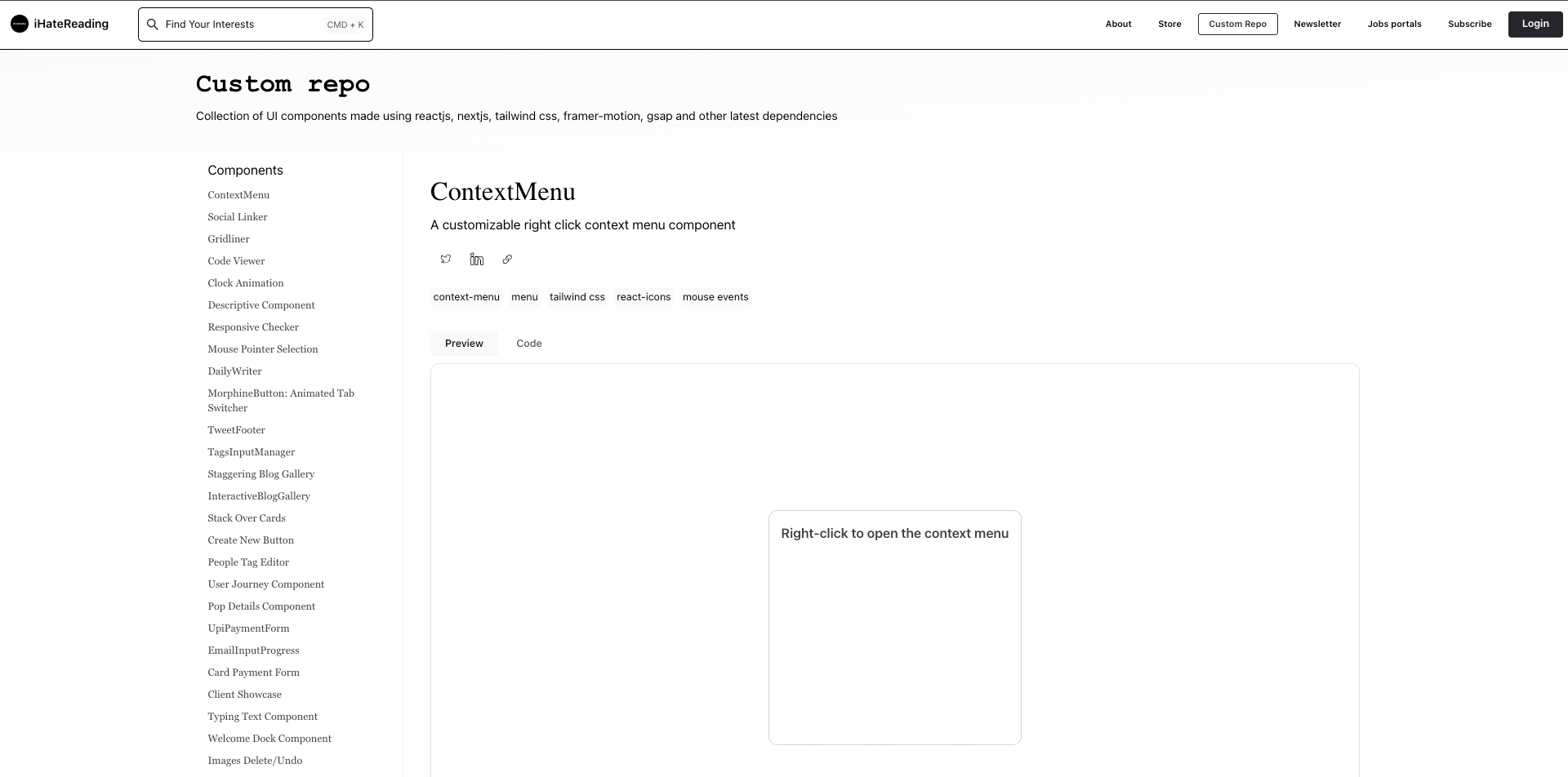
Each component has a code sample and copy code button along with a few lines of explanation of dependencies required as shown in the image below.
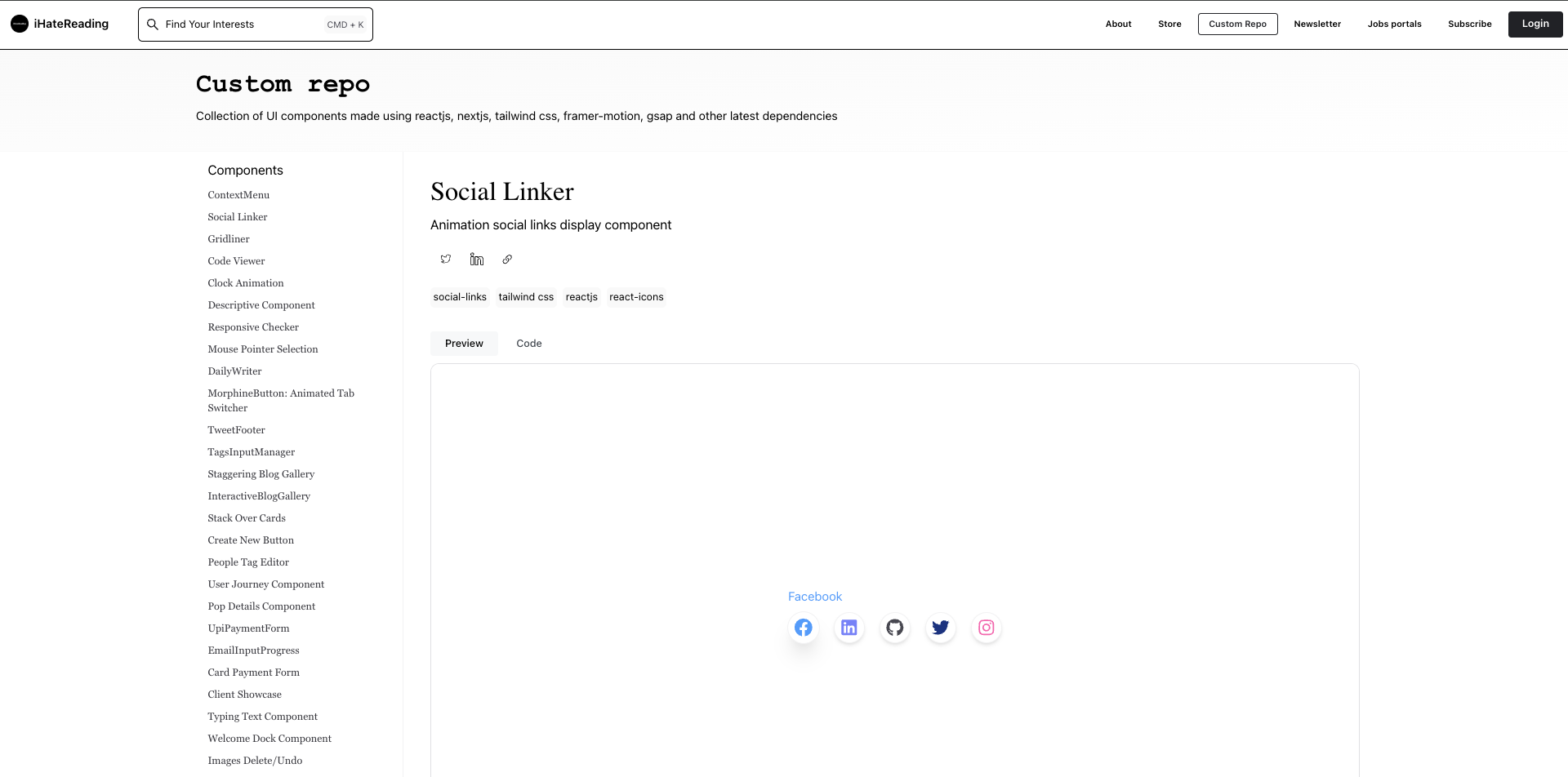
Each component has the following things
- Component details such as name, tags
- Component dependencies such as other packages used in making components
- Component preview
- component code sample that you can directly copy-paste
This is quite simple, you can visit each component read the dependencies installed if not present in your code repository and directly copy-paste the code to bring the UI component into your interface.
This makes development easy and fast
Dependencies
One question you might have right now is regarding dependencies.
Currently, we have 50+ react code components for version 1 of the custom repo, we have taken 4 packages as core dependency packages as given below
- Next.js as the framework (Optional)
- Tailwind CSS for styling
- lucide-react for icons
- react-icons for icons
- GSAP for animations
Few other dependencies if present are only used for the individual components if required but the above packages are the fundamental package for every code component present on custom repo.
How to use components in your project?
Just 3 steps to use the code components in your project
- Install or create a Next.js repository
- Add the 3 required packages using npm or yarn, npm install gsap lucide-react react-icons tailwindcss postcss
- Once the package is installed directly copy-paste the code component in the directory
- You are good to go!!!
I don't know Next.js.
Well even if you are new to next.js or use Create React App instead, you can still use the code components make sure you have installed tailwind, lucide-react and react-icons correctly otherwise CSS or icons or some animations won't work on the server side.
Customisation of components?
Well once the component is yours you can edit, and customise to whatever extent you want.
-
Easy to customise
-
Best code practices such as code splitting, code reuse
-
The latest packages used such as tailwind next.js and gsap
The use of widely accepted third-party packages makes easy for you to customise the components.
Types of Components
Currently, we have 50 react code components in the collection and all can be found on, ihatereading.in/customrepo
- ContextMenu
- Social Linker
- Gridliner
- Code Viewer
- Clock Animation
- Descriptive Component
- Responsive Checker
- Mouse Pointer Selection
- DailyWriter
- MorphineButton: Animated Tab Switcher
- TweetFooter
- TagsInputManager
- Staggering Blog Gallery
- InteractiveBlogGallery
- Stack Over Cards
- Create New Button
- People Tag Editor
- User Journey Component
- Pop Details Component
- UpiPaymentForm
- EmailInputProgress
- Card Payment Form
- Client Showcase
- Typing Text Component
- Welcome Dock Component
- Images Delete/Undo
- 100-Character
- Image Showover
- Music Card
- Flower Button Menu
- Cursor Magic
- Fluid Hover Button
- Simplified Navbar
- MotionReveal Accordion
- Bottom Sheet Desktop
- GlideIntro
- Macbook Dock
- Icon Selector
- Live Time React Component
- Animated Movie using GAP
- Crispy Image Gallery
- Link Preview
- Horizontal Scroller
- Projects Slide Component
- Interactive Profile Card
- Infinite Carousel Component
- AnimatedNavigationBar
- Temperature slider component
- ScrollSyncModal
- Newsletter repository starter kit
- React Tree View
Each component again can be used for leaning purposes as well
We are not aiming for github starts or buy us any coffee instead we are aiming to provide valuable and easy to grasp content and that is why custom react code components make sense in this world of AI.
How and why not AI?
One can argue why we are not integrating AI or GPT models to make the code components more advanced, versatile and dynamic by including all other packages.
The main reason is that we want to have things simple in the end, easy to learn, easy to understand and not much jargon and dependencies.
So bringing very few fundamental packages in the loop and creating a collection of UI components will increase the development time and decrease the payload.
Anytime you are using the next.js repository and want to add a UPI payment form for your e-commerce next.js repository you can simply follow the 3 steps
- Open next.js repository and install tailwind, lucide-react packages
- Copy the UPI Payment Form code from the component
- You are good to customise and proceed
In this way, we are only acting as the starter point for developers to develop fast and providing the space for developers to customise the components to his/her own needs and understanding.
AI will come into it in future and we are planning for that but meanwhile, we also want to target other frameworks as the dependency package such as as following
- Create React App
- Remix
- Astro
- Chakra UI library
- Shadcn UI library
A lot of dependencies can be added in future or other packages can be used to bring more components into the collection but meanwhile, we are targeting only the latest packages that are widely accepted in the community.
Go ahead copy-paste the components, use them to learn fast and build fast and see you production-based code looks like 😁
That's it, see you in the next one
Shrey
Summary
Thisdocument describes a collection of 50+ reusable React UI components. Therepository uses Next.js (optional), Tailwind CSS, lucide-react, react-icons, and GSAP. Each component offers code samples, dependencies, and previews for easy copy-pasting. Simple integration streamlinesdevelopment, prioritizing ease of use over AI integration for now.Thisdocument describes a collection of 50+ reusable React UI components. Therepository uses Next.js (optional), Tailwind CSS, lucide-react, react-icons, and GSAP. Each component offers code samples, dependencies, and previews for easy copy-pasting. Simple integration streamlinesdevelopment, prioritizing ease of use over AI integration for now.